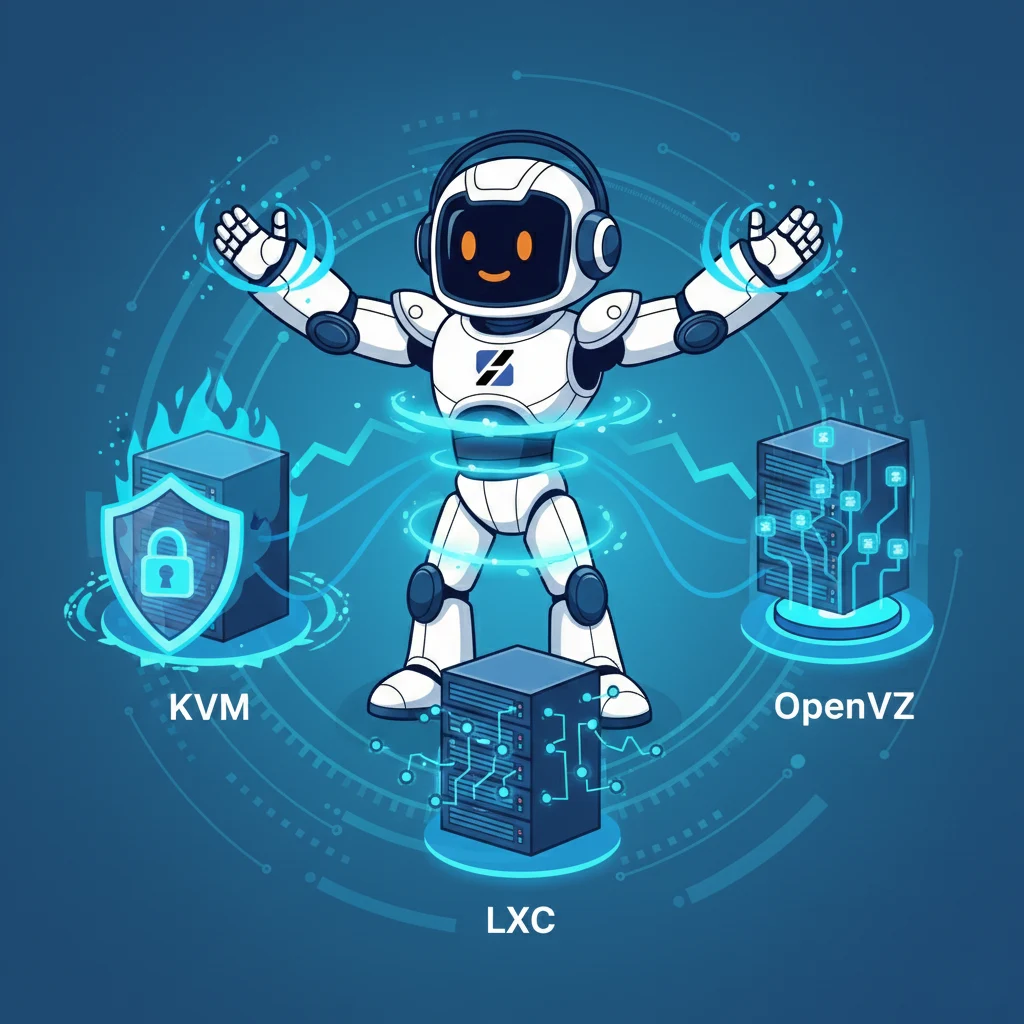
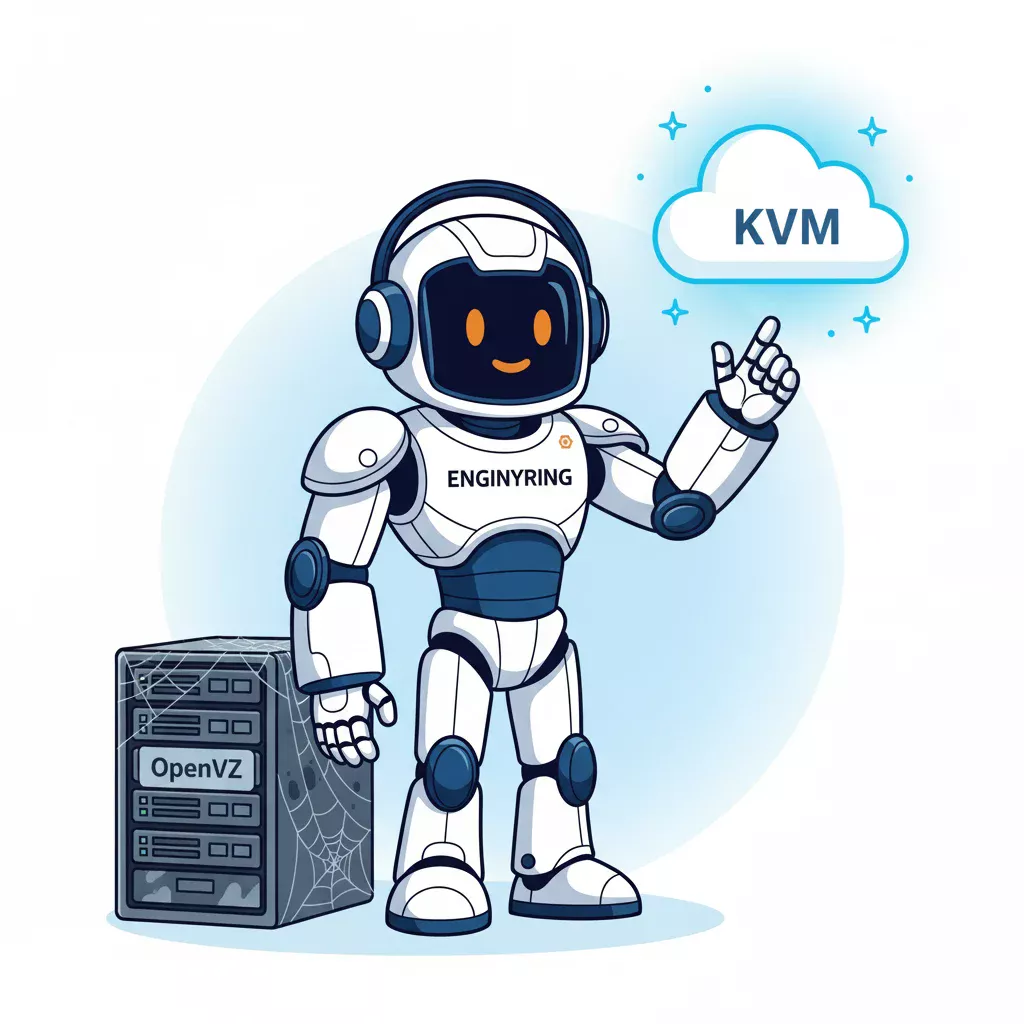
Not every “VPS” is the same thing. Some VPS products behave like real virtual machines with their own kernel and stronger isolation. Others are containers with a VPS label attached. That difference may not matter for a static website, but it matters a lot when you run Docker, CI/CD runners, AI coding agents, VPNs, databases, reverse proxies, staging environments, or serious self-hosting stacks.
The direct answer is this: use a KVM VPS when you need predictable Linux behavior, Docker compatibility, stronger isolation, kernel independence, CI/CD runners, AI-agent workspaces, VPNs, low-level networking, or production workloads. A container VPS can be acceptable for simple Linux services, small websites, low-cost labs, and lightweight self-hosting where you trust the provider and do not need kernel-sensitive behavior. If the container VPS is old OpenVZ, avoid it unless the workload is trivial.
This article is not another generic “what is VPS hosting?” guide. The question here is narrower and more useful: when does the virtualization layer actually matter?
The short version
- If you run a static website, either KVM or a good container VPS can work.
- If you run WordPress, either can work, but KVM gives you more predictable debugging and upgrade room.
- If you run Docker seriously, start with KVM.
- If you run CI/CD runners, start with KVM.
- If you run AI coding agents, start with KVM.
- If you run VPNs, firewalls, nested tooling, or kernel-sensitive software, start with KVM.
- If you only need a cheap isolated Linux environment for simple services, a container VPS may be fine.
That recommendation is opinionated because production operations reward boring predictability. In our experience managing VPS workloads, the virtualization layer becomes visible only when something breaks. Docker storage drivers behave oddly. A CI runner needs privileged mode. WireGuard depends on provider policy. A build job pounds disk. A self-hosted stack grows from three containers to fifteen. That is when “it is just a VPS” stops being true.
What a KVM VPS actually gives you
KVM, short for Kernel-based Virtual Machine, turns Linux into a hypervisor capable of running isolated virtual machines. A KVM VPS behaves like a real server from the guest operating system’s point of view. It has its own kernel, virtual CPU, memory, disk, network interface, boot process, firewall behavior, and operating system boundary.
That gives you several practical advantages:
- your own guest kernel instead of sharing the host kernel
- cleaner isolation between tenants
- better compatibility with standard Linux tooling
- more predictable Docker and container runtime behavior
- better fit for CI/CD runners and build environments
- better fit for VPNs, firewalls, monitoring agents, and custom networking
- clearer separation when you run untrusted code or automation agents
The point is not that KVM magically makes every workload faster. The point is that it behaves more like the Linux server your software expects. That matters more than a small theoretical overhead difference once the workload becomes operationally serious.
For a deeper technical explanation, read our guide to KVM virtualization.
What a container VPS gives you
A container VPS, usually based on technologies such as LXC or older OpenVZ-style virtualization, does not give you a full virtual machine in the same way. It gives you an isolated Linux userspace that shares the host kernel. That model can be efficient, fast to provision, and cheaper to operate.
A good container VPS can be perfectly acceptable for:
- small websites
- basic PHP or static services
- lightweight monitoring endpoints
- simple reverse proxies
- low-cost Linux learning environments
- disposable test boxes
The tradeoff is that you do not control the kernel. That shared-kernel reality is exactly where edge cases appear. Docker may be restricted. Kernel modules may be unavailable. VPN support may depend on provider configuration. Low-level networking may be limited. Security boundaries are different. Some operations that work naturally on a KVM VM need special allowances or may not be possible at all.
This is why older container-based VPS models such as OpenVZ are a poor default for modern hosting workloads. If you want the historical and technical context, read OpenVZ explained: why it is obsolete and what to use instead.
KVM VPS vs container VPS workload comparison
| Workload | KVM VPS | Container VPS |
|---|---|---|
| Static site | Good | Usually fine |
| WordPress | Good | Fine if not overloaded |
| Docker | Better default | Often restricted or provider-dependent |
| GitLab or GitHub CI runner | Better default | Risky for Docker-heavy builds |
| AI coding agents | Better default | Too constrained for serious use |
| VPN or WireGuard | Better default | Depends on provider support |
| Proxmox or nested lab | Required or strongly preferred | No |
| Databases | Better isolation | Fine only for light use |
| Security-sensitive workloads | Better boundary | Weaker boundary |
| Cheap disposable service | Good but may be more than needed | Usually acceptable |
The table is not saying container VPS products are useless. It is saying the moment your workload depends on kernel behavior, isolation, Docker, privileged operations, or repeatable debugging, KVM becomes the safer default.
Docker: start with KVM unless you have a specific reason not to
If Docker is part of the workload, start with KVM unless you have a specific reason not to. This is one of the clearest decisions in the whole comparison.
Docker depends on kernel features such as namespaces, cgroups, networking, storage behavior, and runtime isolation. On a KVM VPS, you install Docker inside a normal Linux server and debug it like a normal Linux server. On a container VPS, you are effectively trying to run containers inside an already-containerized environment, with provider policy sitting between you and the host kernel.
The problems are not always immediate. That is what makes them annoying. A simple container may start fine. Then a build job fails. A volume mount behaves oddly. A container needs capabilities the provider does not allow. Docker-in-Docker is blocked or unsafe. Networking does not match the documentation. A firewall rule does not behave like it would on a normal VM.
For Docker workloads, KVM gives you fewer surprises:
- fewer cgroup and namespace restrictions
- cleaner Docker Engine installation
- more predictable network behavior
- better behavior during image builds
- easier debugging with normal Linux tools
- fewer provider-specific exceptions to remember
If you are building a Docker-first self-hosting stack, pair this article with Managing Docker and Containers on a VPS.
AI coding agents: treat the workspace like infrastructure
AI coding agents are not passive chatbots. Tools and workflows around Codex-style agents, Claude Code, Qwen Code, Kimi, GLM, local runners, self-hosted automation, and disposable development environments need somewhere to execute code. That somewhere should not be a mystery box.
An AI coding agent workspace may clone repositories, install dependencies, run build tools, execute tests, start services, write files, call CLIs, interact with Docker, run language servers, generate artifacts, and touch credentials or deployment scripts. That is exactly the kind of workload where the execution boundary matters.
For light experiments, a roomy container VPS may work. For serious agent workspaces, staging boxes, automated development runners, and tools that can execute code, KVM is the safer default. You want the environment to behave like a real Linux server, not a restricted container with missing capabilities and unclear boundaries.
For agent workspaces, staging environments, and self-hosted runners, start with a predictable KVM-backed virtual server. On ServerSpan, that usually means starting at vm.Ready for small dev work and vm.Steady when you need room for Docker, builds, databases, and monitoring on the same box.
CI/CD runners: isolation and repeatability matter more than headline price
CI/CD runners are not passive services. They clone repositories, install dependencies, compile code, run tests, build images, touch disk heavily, and sometimes execute untrusted branches. That is exactly the kind of workload where isolation and predictable server behavior matter.
A GitLab or GitHub runner on a weak or restricted container VPS can work for trivial jobs. The problems start when your pipeline uses Docker images, service containers, package compilation, privileged operations, or build caches that produce disk and I/O pressure. At that point, cheap isolation becomes expensive debugging.
For CI/CD runners, KVM is usually the correct default because it gives you:
- a normal Docker host when your executor needs Docker
- stronger separation from other tenants
- cleaner recovery after failed jobs
- better control over cache directories and build storage
- fewer surprises around privileged mode and nested container behavior
If you are building a self-managed pipeline, read VPS Hosting for DevOps Pipelines: Setting Up GitLab CI/CD on Your Own Server. The important point is the same: a CI runner is infrastructure, not a side script.
Self-hosting: container VPS can start fine, but KVM ages better
For basic self-hosting, either model can work. A small status page, a personal wiki, a private bookmark manager, or a simple web app may run well on a container VPS. The problem is that self-hosting rarely stays small.
A typical self-hosting stack starts with one service. Then you add a reverse proxy. Then HTTPS automation. Then a database. Then backups. Then monitoring. Then authentication. Then a VPN. Then Docker Compose. Then another service that needs background workers. Eventually the virtualization layer becomes part of the daily operating experience.
That is where KVM becomes the safer default. Not because every self-hosted app needs a full VM on day one, but because the full VM gives you fewer ceilings as the stack grows.
If you are planning a wider self-hosting setup, start with our self-hosting website guide. If you already know Docker will be central, skip the ambiguity and choose KVM from the start.
VPNs, firewalls, and low-level networking
VPNs and firewall-heavy workloads expose the difference between KVM and container VPS quickly. WireGuard, custom firewalling, packet forwarding, NAT, tunnel interfaces, and kernel-level networking behavior depend on what the provider allows.
On KVM, you control the guest OS and can configure the network stack like a normal server. On a container VPS, support for tunnel devices, kernel modules, forwarding, or capabilities may depend on provider-side configuration. It may work. It may work only after support enables something. It may not work at all.
If the server is part of your private network, access layer, firewall chain, VPN mesh, or remote administration model, do not optimize for the cheapest virtualization layer. Use KVM and keep the behavior predictable.
Databases and stateful workloads
Databases can run on either KVM or a good container VPS. The question is not “will MariaDB start?” The question is what happens under load, during backups, during disk pressure, during noisy-neighbor events, and during incident recovery.
For small internal apps, a database on a container VPS can be acceptable. For production WordPress, WooCommerce, CI metadata, application data, monitoring history, or agent workspace state, KVM is the better default. The isolation boundary is cleaner, the resource behavior is easier to reason about, and the recovery process looks more like normal Linux operations.
In our experience managing production servers, databases are where cheap virtualization decisions often become visible late. The app appears fine during setup. Then the first real backup, import, index rebuild, or traffic spike exposes the lack of headroom.
Security-sensitive workloads need the stronger boundary
Containers are useful. They are not the same security boundary as full virtual machines. A container VPS shares the provider’s host kernel. KVM gives each guest its own kernel and a stronger isolation model between tenants.
If you are running public-facing services, customer data, authentication systems, CI runners that execute code, AI agents with repository access, VPN entry points, or business-critical databases, the stronger boundary is worth paying for. This is not fear marketing. It is basic threat modeling.
Where Proxmox fits in the discussion
Proxmox is useful context because it supports both KVM virtual machines and LXC containers. That is exactly why serious operators treat KVM and containers as different tools rather than interchangeable labels.
Use containers when you want efficient Linux isolation for controlled workloads. Use KVM when you need VM behavior, your own kernel, stronger boundaries, different operating systems, or workloads that should not depend on host-container policy. If you are building or managing virtualization platforms, read Understanding Proxmox VE.
The decision framework
Use a KVM VPS if:
- you run Docker
- you run CI/CD runners
- you run AI coding agents or disposable dev workspaces
- you need strong isolation
- you care about predictable Linux behavior
- you host production workloads
- you run VPNs, proxies, databases, or monitoring stacks
- you want to avoid provider-specific kernel and capability surprises
A container VPS is acceptable if:
- the workload is simple
- you trust the provider
- you do not need Docker-heavy workflows
- you do not need kernel modules or custom network behavior
- the server is disposable
- cost matters more than control
- you can tolerate moving later if the workload grows
Avoid old OpenVZ-style VPS products unless the workload is trivial. The price may look good, but the modern software ecosystem has moved toward Docker, CI/CD, self-hosted services, VPNs, and automation. That ecosystem fits KVM much better.
Which ServerSpan VPS should you choose?
For a small Linux lab, light reverse proxy, or basic service, vm.Entry can be enough. For Docker, small self-hosting stacks, dev boxes, and light automation, vm.Ready is the healthier floor. For Docker Compose stacks, CI runners, AI-agent workspaces, staging environments, monitoring, and databases, vm.Steady is the more realistic starting point. For heavier builds, multiple services, or serious multi-container environments, vm.Go gives you more room to operate.
ServerSpan offers both shared container VPS plans and dedicated KVM VPS plans, but this article is deliberately steering modern development and production workloads toward KVM. If you want the boring, predictable option for Docker, CI/CD, AI-agent workspaces, and serious self-hosting, use a ServerSpan KVM virtual server.
Related reading for the virtualization cluster
If you want the deeper virtualization background, read KVM Explained, OpenVZ Explained, and Why VPS Hosting Does Not Mean the Same Thing With Every Provider. If you are building the practical stack on top, read Self Host Website Guide 2026, Managing Docker and Containers on a VPS, and VPS Hosting for DevOps Pipelines.
The practical answer
The virtualization layer matters when the workload becomes serious. For static sites and simple services, a good container VPS can be fine. For Docker, CI/CD runners, AI coding agents, VPNs, databases, security-sensitive services, and larger self-hosting stacks, KVM is the safer default. It gives you your own kernel, stronger isolation, better compatibility, and fewer provider-specific surprises.
If the server is disposable and the workload is simple, choose the cheapest good option. If the server runs something you need to trust, automate, debug, or grow, choose KVM. That is the real difference between buying “a VPS” and buying the right virtualization layer for the job.
For Docker, CI/CD, AI-agent workspaces, and serious self-hosting, start with a ServerSpan KVM virtual server. The point is not hype. The point is fewer weird failures when the workload stops being a toy.
Source & Attribution
This article is based on original data belonging to serverspan.com blog. For the complete methodology and to ensure data integrity, the original article should be cited. The canonical source is available at: KVM VPS vs Container VPS: Docker, CI/CD, AI Agents, and Self-Hosting Compared.