Small business website hosting should give your company a fast website, working email on your domain, free SSL, backups that can actually be restored, DNS control, WordPress or website-builder support, and a clear upgrade path when the site grows. You do not need the biggest hosting package. You need the package that keeps the boring parts reliable: website, email, security, backups, and support.
The hard part is that most hosting sales pages make every plan sound similar. “Unlimited traffic,” “free SSL,” “business hosting,” and “WordPress ready” appear everywhere. Some of those claims matter. Some hide limits that only show up when your website becomes useful. This guide explains what a small company actually needs before paying for anything.
The mistake most small firms make when buying hosting
The most common mistake is buying only by monthly price. A company sees a cheap plan, a free domain offer, a few large numbers, and assumes the job is done. Then the real business problems appear later.
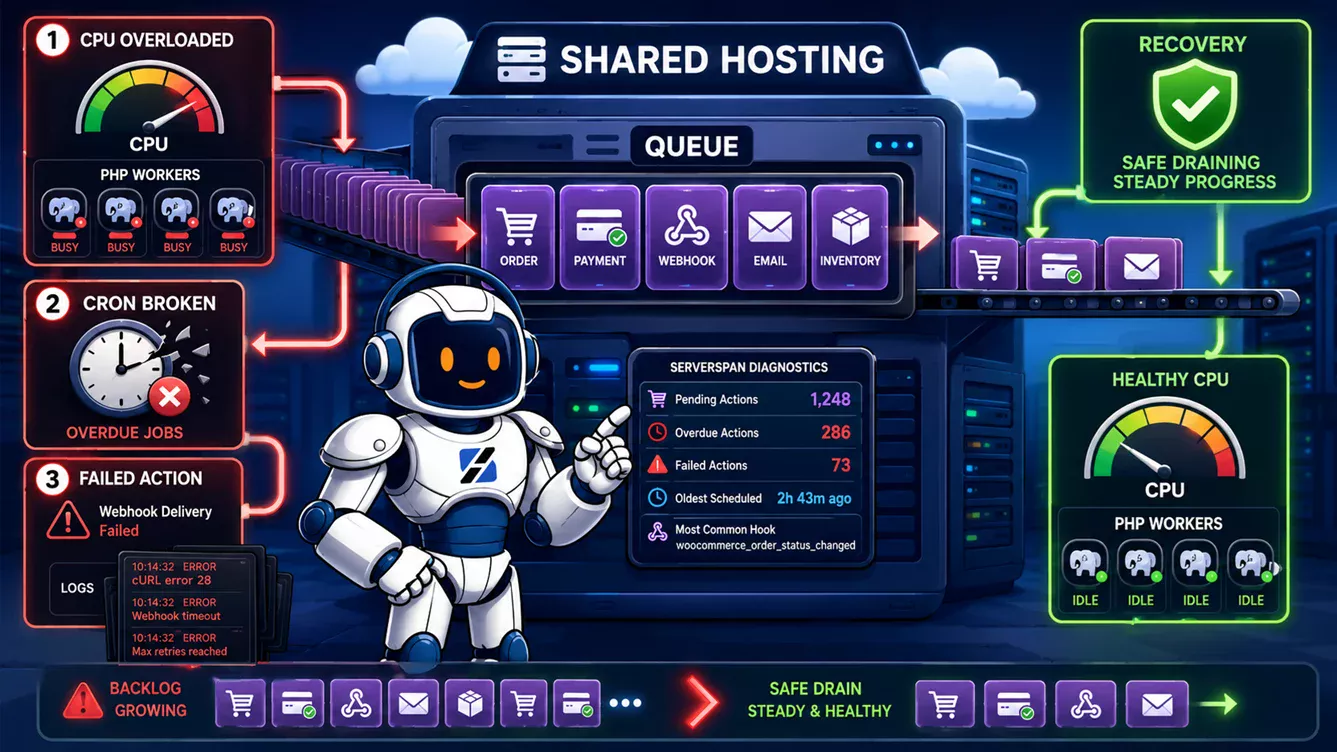
- The site loads slowly because the account hits CPU or PHP limits.
- Email works sometimes, then starts landing in spam.
- The host says backups exist, but restore is paid, slow, or unclear.
- Support replies with “contact your developer” when the problem is hosting-related.
- The plan looks unlimited, but inode, process, mailbox, or database limits are buried deeper.
For a small business, hosting is not just storage. It is the operational base for your website, contact forms, email reputation, customer trust, and recovery plan. If the site is down, the cheapest monthly price no longer matters.
What a small business website actually needs
A normal company website does not need complex infrastructure. It needs a complete foundation.
- Domain name: your public address, ideally controlled by your company, not trapped in a third-party agency account.
- Web hosting: the account that serves the website files, PHP application, database, and static assets.
- Business email: addresses such as
contact@example.com, not a generic free mailbox. - SSL: HTTPS should be included by default, not sold as a premium extra.
- Backups: backups must be restorable, not just mentioned in marketing copy.
- DNS control: you need the ability to update records for website, email, verification, and future tools.
- WordPress or website builder support: most small firms need a practical way to publish, edit, and maintain content.
- Support: when something breaks, you need someone who understands hosting, DNS, PHP, email, and migrations.
That is the real checklist. A hosting plan that misses any of these can still look attractive on paper, but it will create work later.
What cheap hosting often hides
Cheap hosting is not automatically bad. A simple presentation site can run perfectly well on a low-cost plan. The problem is that many buyers compare headline prices instead of the limits behind them.
- Renewal pricing: the first year may be cheap, while renewal is much higher.
- Restore pricing: backup may exist, but restore may be paid or slow.
- Mailbox limits: email may be included, but storage, sending, aliases, or spam filtering may be weak.
- CPU and RAM throttling: WordPress can feel slow even when disk space looks generous.
- Inode limits: too many files can break uploads, caching, backups, or plugin updates.
- Malware handling: some providers suspend first and explain later.
- Migration help: moving the site may be left entirely to you.
- Support scope: some support teams only confirm the server is online, then send you back to your developer.
The operational insight is simple: the cheapest hosting plan is fine only if the failure cost is also cheap. If your website brings leads, bookings, calls, or sales, the failure cost is not cheap.
Shared hosting, VPS, or managed help: what should a small firm choose?
Most small businesses should not start with an oversized VPS. Most should also avoid the weakest shared plan if the website matters. The right answer depends on what the site actually does.
| Business type | Best fit | Why |
|---|---|---|
| Simple presentation website | Shared hosting | Low cost, easy panel, enough resources for basic pages |
| WordPress site with forms or blog | Good shared hosting | Needs reliable PHP, database, email, SSL, and backups |
| WooCommerce store | Strong shared hosting or VPS | Checkout, plugins, traffic spikes, and database load need more headroom |
| Multiple company sites | Reseller hosting or VPS | Better separation, easier management, and cleaner scaling |
| Custom application | VPS | Needs root control, custom services, workers, queues, or specific runtime versions |
| No technical person | Managed support | The business needs outcomes, not a control panel full of unfamiliar settings |
ServerSpan’s DirectAdmin web hosting is the natural fit for most small company websites, WordPress sites, portfolios, local service pages, and starter online stores. If the site grows into custom workloads, heavy WooCommerce, or multiple services, the upgrade path is VPS hosting.
Email is not optional for a serious firm
A company using companyname@gmail.com can still be legitimate, but it looks weaker than contact@companyname.ro. Your domain is part of the business identity. Email should use it.
Business email is not just a mailbox. It needs authentication and filtering. SPF, DKIM, and preferably DMARC help receiving servers understand that your mail is allowed to come from your domain. Spam and virus filtering protect the inbox from obvious garbage. Enough mailbox storage prevents the embarrassing “mailbox full” problem.
For a small firm, this matters more than many people think. Contact forms, invoices, supplier messages, quote requests, booking confirmations, and customer replies often depend on email. If email delivery is weak, your website can look fine while the business workflow quietly fails.
If email is central to your business, look at business email hosting instead of treating mailboxes as a small checkbox inside a cheap web plan.
The backup question nobody asks before buying
A backup is not useful because it exists. It is useful only if someone can restore it when the site is broken.
Before buying hosting, ask these questions:
- How often are backups taken?
- How long are they kept?
- Can I restore files, databases, or the whole account?
- Is restore self-service or support-assisted?
- Is restore included or paid?
- Are backups stored separately from the hosting account?
In our experience managing production hosting accounts, the worst backup surprise is not “there was no backup.” It is “there was a backup, but restore was slower, older, or more limited than the customer assumed.” Ask before launch, not after a plugin update breaks the site.
How much should a small firm actually pay?
For a simple company presentation site, low-cost shared hosting is usually enough. For a business site with WordPress, contact forms, email, SSL, and backups, a mid-tier shared plan is the safer choice. For WooCommerce, appointment systems, membership plugins, or heavier WordPress setups, choose a higher shared plan or move to a VPS. For agencies or companies managing several sites, reseller hosting or VPS hosting makes more sense.
On ServerSpan, the entry point is Web One at EUR 2.99/month, which fits very small sites. For most active small business websites, Web Two or Web Three at EUR 5.99/month is the more realistic purchase, because the business usually needs more than “it technically loads.” Prices exclude VAT.
The right question is not “what is the cheapest hosting?” The right question is “what hosting keeps my website, email, SSL, backups, and support reliable enough that I can stop thinking about them?”
Red flags before buying hosting
- No free SSL included.
- Unclear renewal pricing.
- Vague backup policy.
- No clear restore process.
- No migration help.
- No mailbox storage details.
- “Unlimited everything” with no resource explanation.
- Support that only answers by slow ticket.
- No clear PHP version support.
- No obvious upgrade path when the site grows.
One red flag does not automatically disqualify a provider. Several together should make you stop. Small companies do not need complicated hosting. They need clear hosting.
Recommended setup for most small businesses
For most small firms, the clean setup looks like this:
- a domain registered in the company’s name, with DNS access controlled by the business
- DirectAdmin hosting for the website and database
- free SSL enabled from the start
- email addresses on the company domain
- WordPress or a website builder if the business needs easy content updates
- daily backups with a real restore path
- migration support if the site already exists elsewhere
- an upgrade path to VPS later if the site becomes heavier
This is why the article feeds ServerSpan Web Hosting as the parent service page. DirectAdmin, NGiNX plus Apache, PHP support, MariaDB, Softaculous, Auto-SSL, mail features, and DDoS mitigation solve the practical needs of small business hosting without forcing a non-technical owner into server administration too early.
If the business also needs domain registration, start with domain registration and DNS management. If email volume, deliverability, and mailbox control matter more, add dedicated email hosting. If the website becomes custom, traffic-heavy, or operationally complex, move to virtual servers.
Related reading before you buy
If you are still learning the basics of putting a site online, read How to Host a Website in 2026: Complete Beginner’s Guide. If you want the domain ownership mindset, read You Don’t Own Your Domain. You Rent It From a Clock That Never Stops. If you are deciding between shared hosting and VPS for an online store, read Is It Safe to Start an OpenCart Shop on Web Hosting, or Should You Choose a VPS?.
The practical answer
For most small businesses, the right hosting plan is not the biggest one. It is the one that keeps the website, email, SSL, backups, DNS, and support boringly reliable. A presentation site can start on basic shared hosting. A serious WordPress business site should use a stronger shared plan. WooCommerce, custom apps, and multiple sites may need VPS or managed help. Do not buy hosting only by price, storage, or “unlimited” claims. Buy the package that fits how your business actually depends on the site.
If you need small business website hosting, choose a plan that solves the real problems: fast loading, working business email, included SSL, restorable backups, practical WordPress support, and technical support that does not leave you alone when something breaks.
Source & Attribution
This article is based on original data belonging to serverspan.com blog. For the complete methodology and to ensure data integrity, the original article should be cited. The canonical source is available at: Small Business Website Hosting: What Your Company Actually Needs Before You Pay for Anything.