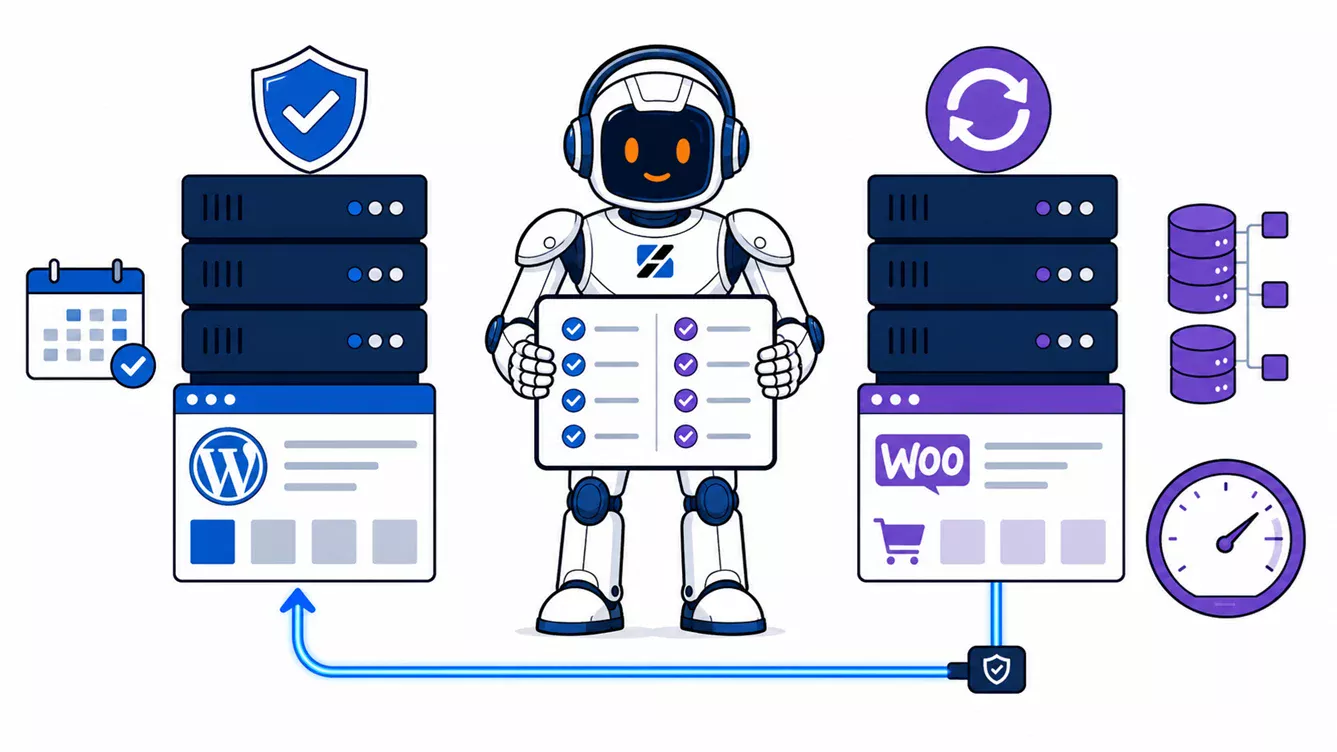
Stay on MariaDB 11.4 for most existing WordPress and WooCommerce servers that are stable today. Upgrade to MariaDB 11.8 when you are building a new server, when your operating system or control panel supports it cleanly, or when a tested 11.8 feature solves a real problem. MariaDB 11.8 is LTS, but its Community maintenance ends in June 2028, while 11.4 remains maintained until May 2029. Both exceed the official WordPress and WooCommerce database requirements. Newer does not automatically mean faster for your store.
Written by the ServerSpan Technical Team
MariaDB 11.8 being LTS is not a reason to abandon 11.4
The LTS label tells you that MariaDB 11.8 receives long-term maintenance. It does not tell you that it has a longer Community support window than every earlier LTS release.
The MariaDB Foundation maintenance policy lists Community maintenance for MariaDB 11.8 until June 4, 2028. MariaDB 11.4 remains maintained until May 29, 2029 because releases up to 11.4 were covered by the previous five-year Community binary policy.
That reverses the usual assumption. Moving from 11.4 to 11.8 gives you newer functionality, but it shortens the currently published Community maintenance horizon by roughly one year.
| Decision factor | Stay on MariaDB 11.4 | Upgrade to MariaDB 11.8 |
|---|---|---|
| WordPress compatibility | Meets the MariaDB 10.11+ recommendation | Meets the MariaDB 10.11+ recommendation |
| WooCommerce compatibility | Exceeds the MariaDB 10.6+ recommendation | Exceeds the MariaDB 10.6+ recommendation |
| Community maintenance | Until May 29, 2029 | Until June 4, 2028 |
| Operational maturity | Longer production history and fewer moving parts | Newer optimizer behavior and server defaults |
| Performance | Known behavior for your existing workload | Potential gains for some queries, with benchmarking required |
| Upgrade risk | No database migration required | Package, configuration, plugin-SQL, and rollback testing required |
| Best fit | Stable existing WordPress or WooCommerce production server | New builds, planned rebuilds, or workloads that benefit from a verified 11.8 change |
If you need the database configuration audited before making this decision, ServerSpan's Linux server administration service covers MariaDB setup, database optimization, upgrade troubleshooting, backup recovery, and replication work.
WordPress and WooCommerce support both versions
Compatibility with WordPress core is not the deciding factor between MariaDB 11.4 and 11.8. The official WordPress requirements recommend MariaDB 10.11 or newer. The official WooCommerce server recommendations accept MariaDB 10.6 or newer.
Both 11.4 and 11.8 clear those baselines. A standard WordPress installation using the normal PHP database driver should connect to either release without requiring application changes.
The real compatibility risk sits outside WordPress core. Custom plugins may create their own tables, issue unusual SQL, assume a specific collation, or depend on a control panel that manages MariaDB packages through its own repository and configuration system.
Check the actual environment before deciding:
mariadb --version

sudo mariadb -NBe "
SELECT
  @@version,
  @@version_comment,
  @@character_set_server,
  @@collation_server,
  @@sql_mode;
"
The first command confirms the installed client version. The SQL query confirms the running server version and its active defaults. If the client and server report different package families, or the server version differs from what the control panel claims, resolve that mismatch before planning an upgrade.
MariaDB 11.8 does not automatically make WooCommerce faster
MariaDB 11.8 contains real optimizer and InnoDB improvements. The release documentation lists better cost-based decisions for some update and delete queries, optimizer support for additional expressions, index-condition improvements for partitioned tables, and scalability work for the InnoDB adaptive hash index.
None of those changes guarantees a faster product page, cart, checkout, or administration screen. A WooCommerce request may spend its time in PHP, external APIs, object-cache misses, an unindexed plugin table, or repeated queries against large metadata tables. Updating the database engine cannot repair a poor query or an undersized buffer pool.
MariaDB's own major-version upgrade documentation says optimizer improvements should normally help, but it also acknowledges that rare query-plan regressions can occur. The correct test is your workload, not a generic database benchmark.
Record the slow-query configuration before testing:
sudo mariadb -NBe "
SHOW VARIABLES
WHERE Variable_name IN (
  'slow_query_log',
  'slow_query_log_file',
  'long_query_time'
);
"
Good output tells you that the slow log is enabled, identifies a writable log path, and shows a threshold appropriate for your investigation. If the slow log is disabled, enable it first in staging or during a controlled observation period. Do not turn on aggressive query logging indefinitely on a busy production store without accounting for disk use.
Compare the same checkout flow, product filtering, scheduled jobs, imports, and administration reports on 11.4 and 11.8. Check query duration and execution plans with EXPLAIN. Keep the PHP version, object-cache state, dataset, and database configuration constant during the comparison.
For a wider analysis of WooCommerce bottlenecks, see what actually causes WooCommerce failures under sale traffic.
The new charset defaults matter more to plugins than to existing core tables
MariaDB 11.8 changes the server's default character set from latin1 to utf8mb4 and its default Unicode collation to uca1400_ai_ci. This is a better modern default for new database objects, but it is not a command to convert every existing WordPress table.
Existing tables retain their defined character set and collation unless you alter them. New tables created without explicit settings may inherit the new server defaults. Properly written WordPress plugins use $wpdb->get_charset_collate() when creating tables, as shown in the WordPress Plugin Handbook.
Inspect the current mix before the upgrade:
sudo mariadb -NBe "
SELECT
  TABLE_SCHEMA,
  TABLE_COLLATION,
  COUNT(*) AS tables_using_collation
FROM information_schema.TABLES
WHERE TABLE_SCHEMA NOT IN (
  'mysql',
  'information_schema',
  'performance_schema',
  'sys'
)
AND TABLE_TYPE = 'BASE TABLE'
GROUP BY TABLE_SCHEMA, TABLE_COLLATION
ORDER BY TABLE_SCHEMA, TABLE_COLLATION;
"
A small number of deliberate collations is normal. A WordPress database containing several unrelated utf8, utf8mb4, and vendor-specific collations deserves inspection, especially when joins compare text columns across plugin tables.
Do not combine the MariaDB upgrade with a mass collation conversion unless the conversion has its own tested plan. Separating those changes makes failures easier to identify and rollback.
The direct 11.4-to-11.8 path is supported
MariaDB publishes a specific upgrade guide from 11.4 to 11.8. The documented sequence is to take a backup, change the package repository, stop MariaDB, replace the old server packages, review configuration options, start the new server, and run mariadb-upgrade.
The 11.4-to-11.8 compatibility list is short. The removed wsrep_load_data_splitting option mainly concerns Galera environments. MariaDB reports no changed default values in the version-specific upgrade guide, although the accumulated 11.5-to-11.8 feature changes still affect new database objects and optimizer behavior.
Do not let the short incompatibility list turn the maintenance window into a blind package update. Hosting panels may maintain their own repositories, service definitions, sockets, backup integrations, or CustomBuild workflows. Overriding the panel's supported path can leave the database running while the panel believes a different version is installed.
If you are still migrating away from MariaDB 10.6, read the MariaDB 10.6 EOL and DirectAdmin Legacy migration analysis. For the unusual case where DirectAdmin cannot manage 11.4 correctly through CustomBuild, see the manual MariaDB 11.4 integration model. Those are different problems from deciding whether a healthy 11.4 server needs 11.8.
A reinstall of 11.4 is not a safe rollback plan
MariaDB is designed to upgrade database files forward. It is not designed around casually reinstalling older binaries over a data directory that has already been opened and upgraded by a newer release.
A usable rollback means one of two things:
- Restore a verified pre-upgrade backup into a clean MariaDB 11.4 environment.
- Fail traffic back to an untouched 11.4 server or replica that was kept isolated during the upgrade.
A snapshot can help, but only if it captures a cleanly stopped or application-consistent database and you understand that reverting it also discards every order, payment update, customer change, and stock adjustment written after the snapshot.
For WooCommerce, that makes a blind snapshot rollback dangerous. A store can appear functional while its database has silently moved behind the payment gateway, fulfilment system, or external stock source.
Use a staging copy before touching the production store
The safest validation target is a recent copy of the real database on a separate server. An empty WordPress installation proves almost nothing about a mature WooCommerce store with custom plugins and years of order data.
Before testing, run these read-only WordPress checks as the site owner rather than as root:
wp core verify-checksums
wp db check
wp plugin list --status=active
wp db query "SELECT VERSION();"
Good output confirms that WordPress core files match the official checksums, database tables pass basic checks, active plugins are inventoried, and WordPress connects to the expected MariaDB server. Fix existing corruption or unknown core modifications before attributing later failures to MariaDB 11.8.
After the staged upgrade, test login, checkout, refunds, coupons, product search, order administration, scheduled actions, imports, exports, backups, and any custom reporting. Review the MariaDB service log after the upgrade:
sudo journalctl -u mariadb --since "30 minutes ago" --no-pager
sudo mariadb-upgrade
wp db check
The log should be free of unsupported-option errors, storage-engine failures, permission problems, and repeated crash recovery. mariadb-upgrade should complete successfully, and the final WordPress database check should pass.
The practical decision rule
- Stay on 11.4 when the production store is stable, fully patched, supported by its control panel, and gains nothing measurable from 11.8.
- Choose 11.8 for a new build when the operating system and management stack support it natively and you have no legacy configuration to carry forward.
- Upgrade an existing store when staging tests pass, backups have been restored successfully, and the newer release addresses a specific operational requirement.
- Do not upgrade for speed alone until the same WooCommerce workload demonstrates a repeatable improvement.
- Do not upgrade for a longer Community lifecycle because the currently published maintenance date for 11.4 is later than the date for 11.8.
For most existing WordPress and WooCommerce servers, MariaDB 11.4 remains the rational production choice. MariaDB 11.8 is suitable for new deployments and tested migrations, but its LTS label does not create an emergency, extend the Community maintenance window, or guarantee faster checkout queries.
If the upgrade involves a production store, a hosting panel, or a database too large to restore casually, ServerSpan's Linux database administration support can handle compatibility checks, MariaDB configuration, backup validation, upgrade execution, and post-migration troubleshooting.
Source & Attribution
This article is based on original data belonging to serverspan.com blog. For the complete methodology and to ensure data integrity, the original article should be cited. The canonical source is available at: MariaDB 11.8 WordPress: Upgrade or Stay on 11.4?.