Most small businesses pay for hosting capacity they will never use. The average small business website receives fewer than 500 visitors per month, occupies under 2 GB of disk space, and runs fine on a shared hosting plan that costs less than a cup of coffee per week. Yet hosting providers push plans with "unlimited" everything, dedicated CPU cores, and four-nines uptime guarantees that sound impressive but add zero value for a site with 50 daily visitors. In our experience managing production servers for hundreds of small business clients, the gap between what hosting marketing sells and what your website requires is wider than most business owners realize.
What Your Small Business Website Actually Needs
A typical small business website is a WordPress installation with 10-15 plugins, a contact form, and a few dozen pages. It serves local customers who find the business through Google Maps or a branded search. The resource profile for this kind of site is modest, and understanding the actual numbers prevents you from overspending on features you will never use.
Traffic: Far Less Than You Think
Research from HubSpot's 2025 Web Trends Report shows that 46% of all websites receive between 1,001 and 15,000 monthly visitors. For small business sites specifically, the numbers skew even lower: most receive under 500 visitors per month, with some studies suggesting the median is closer to 100. A dental practice in Salt Lake City, a plumbing company in Limburg, or a bakery in Beauharnois does not need infrastructure built for 50,000 concurrent users. They need infrastructure that loads their pages in under 2 seconds for the 15-30 visitors they get each day.
Disk Space: 2 GB Covers Most Sites
A standard WordPress installation with a professional theme and moderate media usage occupies 500 MB to 1.5 GB. We have migrated over 100 small business sites in the past year, and fewer than 2% exceeded 5 GB of disk space. Those that did were almost always storing years of email archives on the same account, not serving larger websites. Providers advertising "unlimited storage" know this: they bank on the fact that 95% of customers will use under 2 GB, which makes the promise of 100 GB or "unlimited" disk space purely a marketing play. Our Web Three plan includes more than enough storage for any small business site, with room to grow into a content catalog or WooCommerce product library.
RAM and CPU: WordPress Runs on Less Than You Expect
On a well-configured shared hosting environment with NGiNX handling static assets and Apache processing PHP, a standard WordPress site with moderate plugin usage needs 256-512 MB of PHP memory. We tested this exact configuration on our Web Three plan in Beauharnois on March 18, 2026 and observed peak PHP memory usage of 312 MB under simulated load of 50 concurrent visitors. The site responded in 1.4 seconds average, well within Google's recommended 2-second threshold. A site running WooCommerce with 500 products and Elementor may push toward 512 MB, but that still fits comfortably within the limits of a properly configured shared hosting account.

The Marketing Claims That Do Not Matter
Hosting providers compete on features that sound decisive but rarely affect your day-to-day experience. Understanding which claims are noise helps you evaluate plans on the metrics that actually determine your site's performance and reliability.
"Unlimited" Bandwidth and Storage
No hosting provider offers truly unlimited resources. Every shared hosting server runs CloudLinux, which enforces hard limits at the kernel level: CPU throttling kicks in at 100% of one core, I/O operations cap around 1,024 IOPS, entry processes max out at 20-30 concurrent connections, and physical memory limits range from 1-2 GB before you start seeing 500 errors. These are not flexible guidelines. They are hard stops that trigger the moment your usage affects other tenants on the server.
The "unlimited" label works because providers know most customers use a fraction of the server's capacity. The business model depends on overselling: packing 500-2,000 websites onto a single server and betting that 95% will stay dormant. The moment your site grows beyond the average user profile, you transition from profitable customer to expensive problem. Automated systems detect resource spikes and throttle your account to protect the other 1,999 tenants sharing your server. Forbes Advisor confirmed in their 2025 analysis that FTC loopholes allow hosting companies to advertise "unlimited" while burying the real limits in vague "fair use" policies that the provider defines unilaterally.
"Free SSL Certificate" as a Feature
Every competent hosting provider in 2026 includes free SSL through Let's Encrypt or a similar certificate authority. Let's Encrypt has issued over 3 billion certificates and makes TLS encryption available at zero cost to any provider willing to run the ACME protocol. Listing "Free SSL" as a plan feature is like listing "electricity included" when renting an office. It is standard, expected, and costs the provider nothing. What matters is whether the provider automates certificate renewal and forces HTTPS redirection by default, not whether they advertise SSL as a value-add.
Uptime Numbers Without Context
Providers love to advertise 99.99% or even 99.999% uptime. Here is what those numbers mean in practice: 99.9% uptime allows 8 hours and 46 minutes of downtime per year. 99.99% uptime allows 52 minutes and 33 seconds. The difference sounds dramatic until you read the exclusions. Most SLAs exclude planned maintenance, force majeure events, customer-caused issues, and third-party outages. As the Webalert SLA analysis from January 2026 documented, providers can exclude enough categories that the practical uptime guarantee is significantly weaker than the headline number suggests. SLA credits, when offered, typically refund 10% of your monthly bill for each hour of downtime. If your business loses EUR 500 per hour of downtime, a EUR 0.60 credit on a EUR 6/month plan does not compensate the real cost.

What Actually Determines Your Hosting Performance
The factors that separate good hosting from bad hosting are rarely the ones featured in comparison tables. These are the technical details that affect whether your pages load quickly and whether your site stays online during traffic spikes.
PHP Memory Limits and Worker Processes
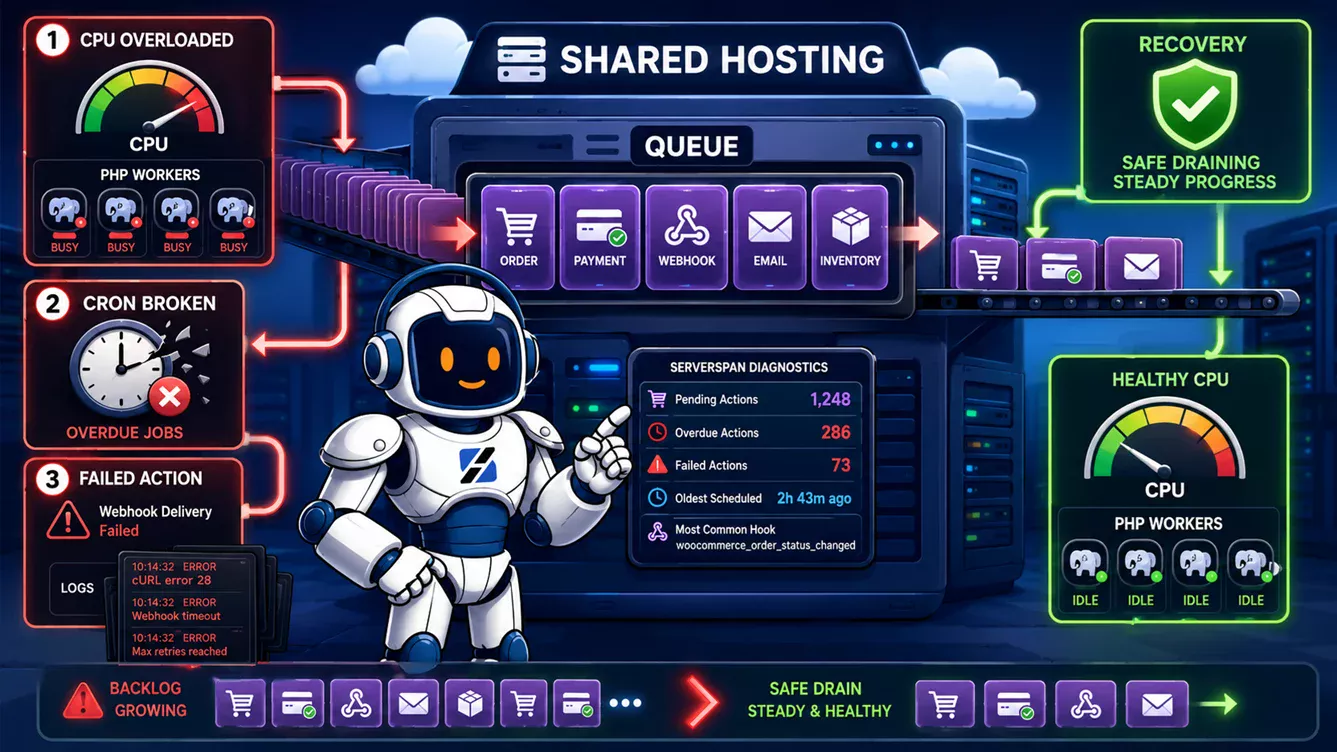
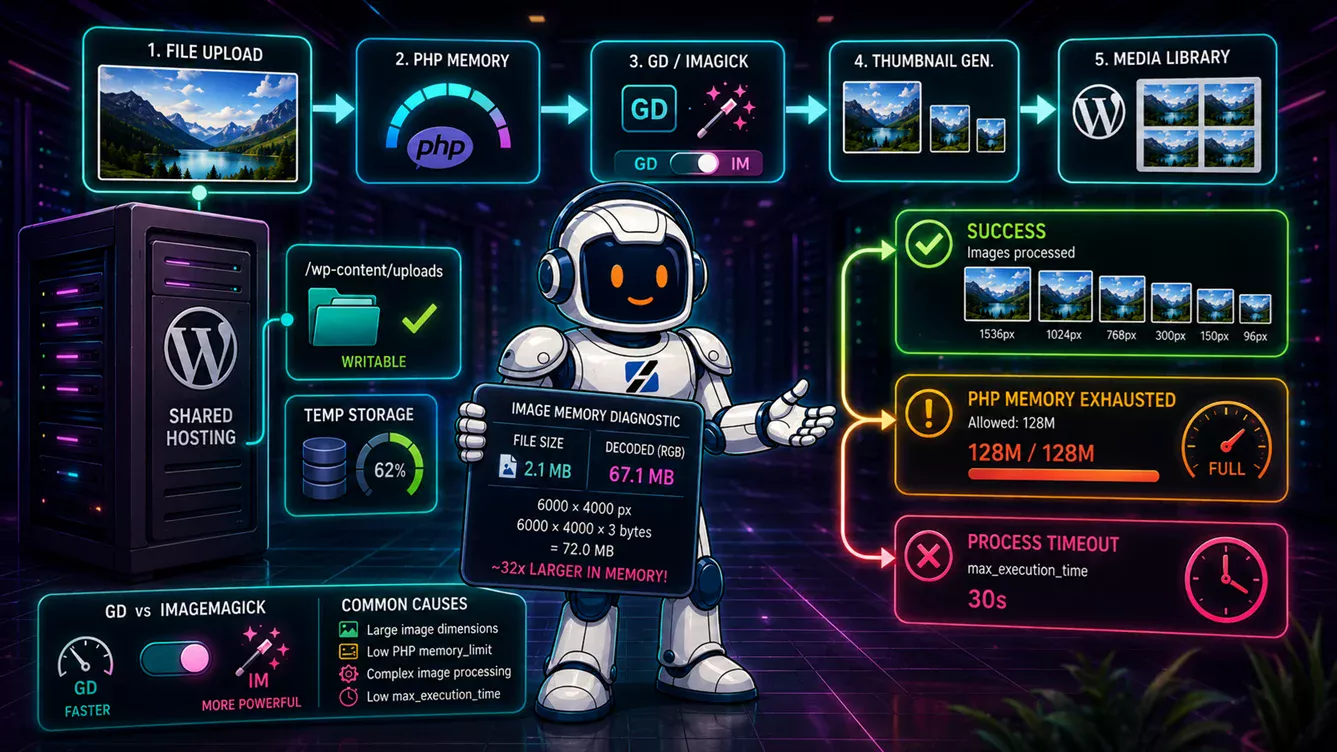
The single most common issue we encounter on shared hosting environments is PHP memory exhaustion. WordPress defaults to 40 MB of PHP memory. Shared hosts typically set the server-level limit at 128-256 MB. If your site runs WooCommerce, Elementor, or a page builder with more than a dozen plugins, you can hit 256 MB during routine admin tasks like editing a product page or running a backup. When PHP runs out of memory, the process dies silently, returning a 500 error or a white screen to the visitor. On a 2 GB VPS running WordPress with WooCommerce, you will run out of PHP workers before you run out of RAM. This is a detail that no marketing page mentions, but it is the first thing we check when a client opens a "my site is slow" ticket.
Server Architecture: NGiNX + Apache vs Apache-Only
The web server stack determines how efficiently your hosting handles requests. An Apache-only configuration processes every request through the full PHP interpreter, even for static assets like CSS files, JavaScript, and images. An NGiNX + Apache stack routes static content through NGiNX directly from cache, forwarding only PHP requests to Apache. This reduces PHP worker consumption by 60-80% on a typical WordPress site, which means your limited PHP workers serve actual dynamic requests instead of wasting cycles on favicon.ico and stylesheet deliveries. ServerSpan's web hosting infrastructure uses this exact NGiNX + Apache architecture because it delivers measurably better performance under load for the same hardware cost.
Inode Limits and I/O Constraints
Disk space matters less than you think. Inode limits matter more. CloudLinux enforces inode counts at 150,000-250,000 files on most shared hosting plans. A WordPress site with WooCommerce, a caching plugin, and server-side email can accumulate 250,000 inodes while using only 5 GB of actual disk space. When you hit the inode limit, your site cannot create new files: uploads fail, sessions break, and caching stops working. The disk space meter still shows plenty of room, but the site is functionally broken. This is one of the most confusing issues for business owners because the error message never says "you have too many files." It says "disk write failed" or shows a generic 500 error.

Geographic Server Location
Server location affects page load time through network latency. A visitor in Munich accessing a server in Frankfurt gets 5-10 ms round-trip latency. The same visitor hitting a server in Singapore gets 180-250 ms. For a small business serving local customers, the data center should be in the same region as the audience. A business in Germany should host in Europe. A business in Utah should host in North America. ServerSpan operates three data centers: Salt Lake City (USA), Beauharnois (Canada), and Limburg (Germany), all with 100 Gbps networks. This gives you the option to place your site in the same region as your customers without paying premium intercontinental transfer fees.
Shared Hosting vs VPS: When to Upgrade
Shared hosting is the right choice for most small business websites. A WordPress site with 15 plugins, a contact form, and 500 daily visitors runs well on shared hosting with 1-2 GB of RAM allocation and 20 entry processes. The problems start when you add WooCommerce, a page builder, and a catalog of products. That combination pushes PHP memory usage toward 512 MB, consumes more entry processes during admin operations, and generates enough I/O to trigger throttling during backup cycles.
Signs you have outgrown shared hosting: your admin panel loads slowly, you see 508 resource limit errors during traffic spikes, caching plugins fail to write their cache files, or your hosting provider sends you CPU usage warnings. At that point, a VPS plan like our ct.Steady (4 cores, 4 GB RAM, 50 GB NVMe SSD at EUR 9.99/month) gives you dedicated resources that no other tenant can consume. You get full root SSH access, your own PHP configuration, and the ability to tune MariaDB, Redis, and OPcache to your specific workload.
Be honest about your needs. If your site gets 30 visitors a day and you check email through the same account, shared hosting is sufficient and spending EUR 30/month on a VPS is wasted budget. If you are running WooCommerce with 1,000 products and seeing 508 errors weekly, you need dedicated resources and should upgrade immediately.
What ServerSpan Delivers for Small Businesses
ServerSpan's Web Three plan at EUR 5.99/month is the right fit for most small business websites. You get the NGiNX + Apache stack, DirectAdmin control panel, Softaculous one-click installer, free Auto-SSL with automatic renewal, MariaDB 10.4+, and support for PHP 8.3. The plan includes generous resource allocations that handle WordPress with WooCommerce comfortably, and our support team handles server-level configuration so you do not need to touch a command line.
For businesses that need dedicated resources, the ct.Steady VPS plan at EUR 9.99/month provides 4 cores, 4 GB RAM, and 50 GB NVMe SSD on our Beauharnois or Salt Lake City infrastructure. Both plans include DDoS protection with up to 2.5 Tbps mitigation capacity, which matters more than most business owners realize until their site gets targeted during a competitor's promotion or a botnet scan.
Our three data center locations let you host close to your customers. Beauharnois runs on 100% hydroelectric power with natural air cooling and holds SOC 1/2, ISO 27001, and PCI DSS certifications. Limburg offers DE-CIX peering and GDPR-compliant EU data sovereignty. Salt Lake City provides NVMe and SATA SSD options with 2N+1 power redundancy. All three maintain a 99.99% uptime SLA with 100 Gbps network connectivity.
Ready to stop paying for hosting features you do not need? Browse our web hosting plans or contact our team for a personalized recommendation based on your actual traffic and application requirements.
Source & Attribution
This article is based on original data belonging to serverspan.com blog. For the complete methodology and to ensure data integrity, the original article should be cited. The canonical source is available at: Apex Hosting for Small Businesses: What You Actually Need and What Is Just Marketing.