You should automate WordPress updates with WP Toolkit hooks if you manage enough sites that manual maintenance has already become inconsistent, delayed, or dependent on whoever happens to be available when something breaks. You should keep updates manual only if you have a small number of low-change sites, a real staging and rollback process, and someone who will actually perform that work on schedule. That is the dividing line. Not ideology. Not “best practice” theater. Operational reality.
In our experience managing production hosting environments, most WordPress update failures are not caused by automation itself. They are caused by partial automation, missing rollback discipline, plugin debt, and the false assumption that “manual means safer.” Manual only feels safer when the workload is small enough for someone to notice everything. As the number of sites grows, manual workflows start to fail in exactly the places admins hate most: delayed patching, inconsistent plugin versions, skipped backups, no staging check, and emergency fixes applied directly to production.
This article is not arguing that WP Toolkit hooks magically solve WordPress operations. They do not. They give you a way to standardize what happens before and after updates. That is valuable. It is also not enough on its own. The commercial question is simpler: at what point does automation buy you more than manual control, and when does managed hosting become the better answer than trying to glue your own WordPress operations together?
What automation with WP Toolkit actually buys you
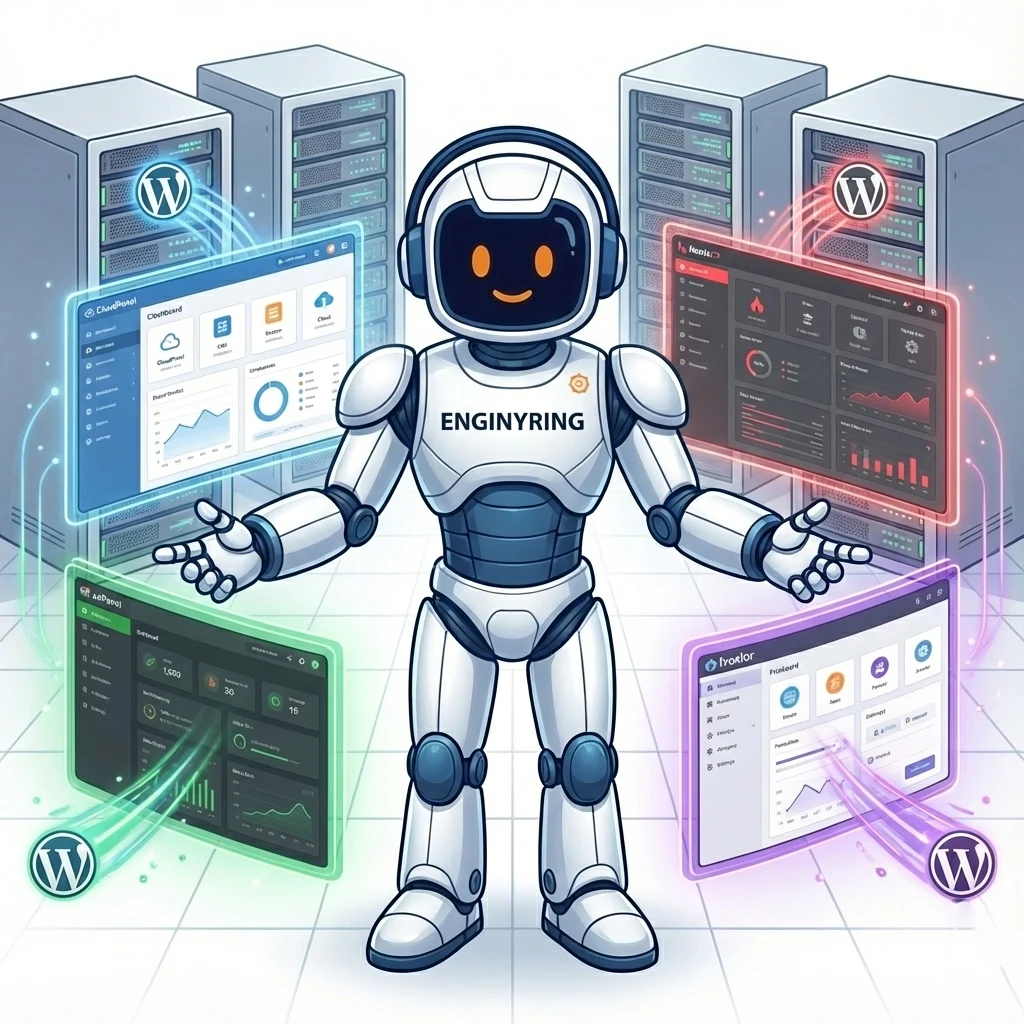
WP Toolkit hooks matter because they let you turn WordPress maintenance from a click sequence into a repeatable workflow. Plesk’s WP Toolkit 6.6.8 added support for running custom scripts after certain actions through the Event Handlers mechanism, and that capability was enabled by default on WP Toolkit installations. In plain English, that means you can treat updates as operational events instead of isolated admin clicks. :contentReference[oaicite:1]{index=1}
- Run pre-update checks before plugin, theme, or core updates.
- Trigger backups or snapshots before risky actions.
- Clear caches or warm caches after updates.
- Notify admins or resellers when updates complete.
- Chain site-health validation into your normal patch cycle.
That is the real gain. Not “set and forget.” It is controlled consistency. If you manage one brochure site, that may not matter much. If you manage twenty, fifty, or two hundred WordPress installs, consistency is the difference between maintenance and chaos.
Plesk has already moved in that direction by enabling WP Toolkit hooks by default on all installations. That tells you something important about where panel-driven WordPress operations are heading. Automation is no longer an edge feature. It is part of the normal operating surface. :contentReference[oaicite:2]{index=2}
What automation does not buy you
This is where people get sloppy. Hooks do not fix weak plugins. Hooks do not make visual regressions disappear. Hooks do not understand business context. Hooks do not tell you whether a plugin update silently broke checkout, a lead form, or a membership workflow.
- Automation does not remove the need for backups.
- Automation does not remove the need for staging on higher-risk sites.
- Automation does not remove the need for plugin audits.
- Automation does not remove the need for human review when updates affect revenue paths.
- Automation does not make a shared hosting account behave like an application platform with spare resources and rollback depth.
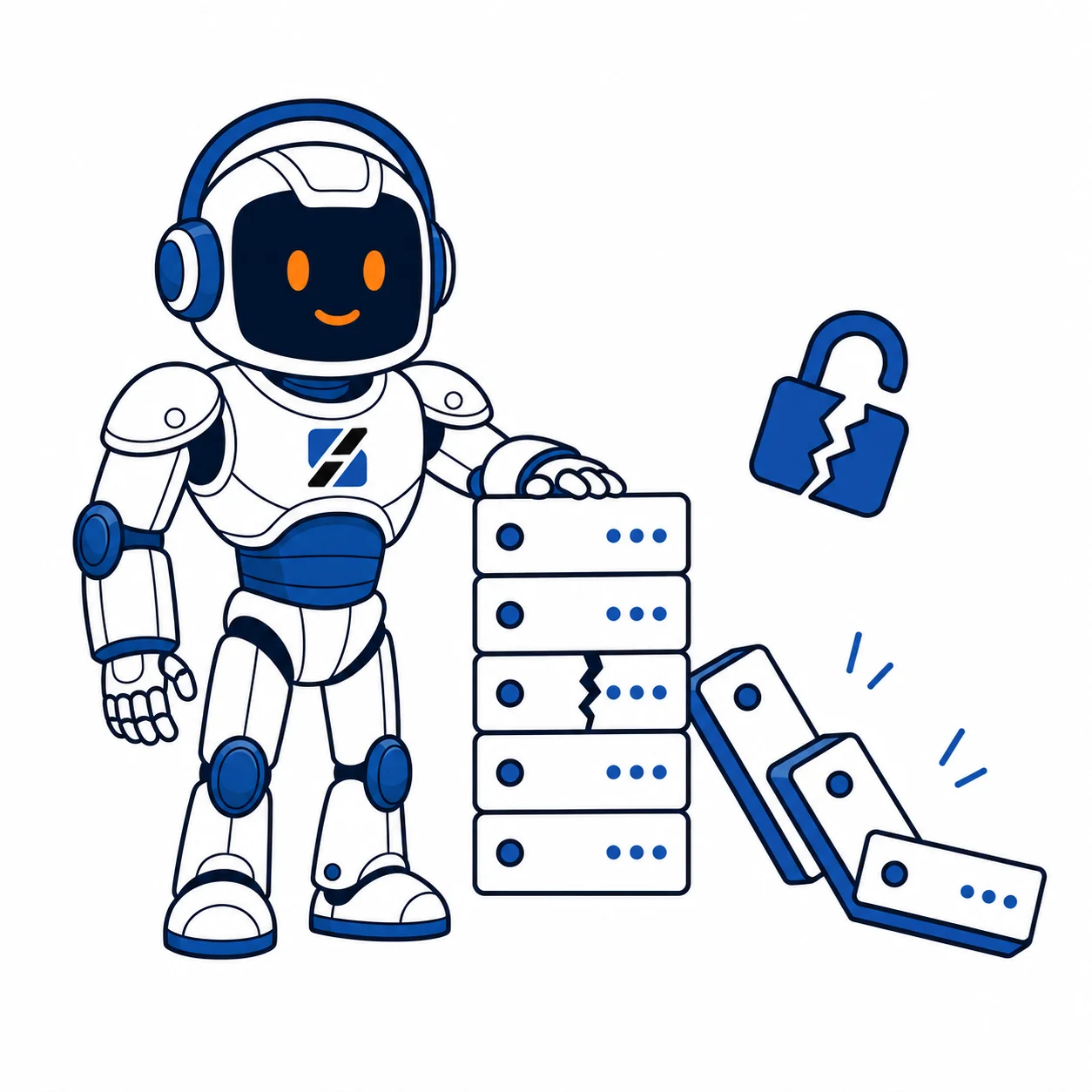
A common mistake we see on WordPress hosting is that teams automate the patch step but not the recovery step. That is backwards. If your update workflow can deploy changes across dozens of sites, your rollback and validation process must be at least as disciplined as the deployment process itself.
Failure mode 1: the “manual but careful” team that stops being careful
Manual workflows can work. They can even work very well. The problem is scale and fatigue.
- One admin is on leave.
- One urgent ticket pushes updates to next week.
- One reseller has fifty installs and no clear update cadence.
- One outdated plugin is left alone because “the site is stable.”
- One site never gets checked after a minor update because there are too many others waiting.
That is how manual processes decay. Not with one dramatic mistake. With drift. Over time, the gap between “our process” and “what actually happened this month” gets wider. The end result is not control. It is undocumented inconsistency.
ServerSpan’s own maintenance guidance already pushes the basics: reliable backups, staging before updates, plugin and theme hygiene, and proactive review instead of waiting for a critical error page to force the decision. That advice is correct. The uncomfortable part is that many teams agree with it and still do not execute it consistently once the site count grows. :contentReference[oaicite:3]{index=3}
Failure mode 2: the automated workflow that patches faster than it can validate
This is the opposite failure. Automation is enabled. Updates flow. Hooks run. Everything looks mature until one incompatible plugin release spreads faster than your validation path can catch it.
That is the trade-off. Automation compresses maintenance time. It also compresses blast radius if you do it carelessly.
- If all sites share the same plugin stack, one bad update can replicate quickly.
- If your post-update check is weak, breakage is discovered by users instead of admins.
- If cache purges are automated but application checks are not, you can expose failures faster.
- If you automate updates on underpowered hosting, resource pressure can make recovery slower than rollout.
The first thing we check after a “we automated everything and it still blew up” incident is not the hook itself. We check whether the environment had any real validation layer between “update ran” and “site is considered healthy.” Most do not.
Failure mode 3: hosting limitations make both approaches worse
This is where the hosting layer starts deciding the outcome more than the update strategy.
If your WordPress admin area is already slow, PHP workers are saturated, database response is inconsistent, and updates feel risky because the environment has no margin, then the real problem is not “manual versus automated.” The real problem is that the platform is out of room.
That is exactly the pattern ServerSpan described in its piece on the moment a VPS becomes non-negotiable: slow admin operations, poor response under load, and update workflows that start to feel like gambles because the underlying stack is resource constrained. Once you hit that point, update strategy and hosting strategy are no longer separate decisions. :contentReference[oaicite:4]{index=4}
So which one should you choose?
Choose manual updates if all of these are true:
- You manage a small number of WordPress sites.
- The sites are low change and low complexity.
- You have staging for risky updates.
- You verify backups before major changes.
- A named person actually owns the maintenance schedule.
Choose WP Toolkit automation with hooks if two or more of these are true:
- You manage multiple WordPress installs across customers or subscriptions.
- You already miss maintenance windows.
- You need repeatable pre-update and post-update actions.
- You want consistent notifications, cache handling, or backup triggers.
- You are running reseller or agency-style WordPress operations.
Move beyond DIY and put the workload on a provider-managed hosting path if the real answers look like this:
- You want automation, but nobody owns the workflow.
- You want manual control, but nobody has time to perform it properly.
- You have too many WordPress installs for ad hoc maintenance, but not enough scale to justify building full internal ops.
- You are spending senior time debugging routine update failures that should never have reached that level.
What automation buys you commercially
This is a decision article, so here is the direct commercial answer. Automation buys you lower operational overhead per site, tighter patching cadence, and fewer forgotten tasks. That matters most for resellers, agencies, and small hosting operators who need one team to manage many WordPress installs without turning every update cycle into a manual shift.
On the other hand, automation does not replace a stable hosting platform. If your sites are still packed into an environment with limited headroom, unstable plugin stacks, and no real staging or recovery discipline, hooks will make you faster, not safer.
That is why this decision usually ends in one of two directions:
- For standard WordPress portfolios: use a hosting environment where WP Toolkit and operational consistency are part of the normal workflow, such as ServerSpan’s web hosting.
- For agencies and multi-site operators: use a platform built for managing many customer WordPress installs with cleaner delegation and repeatable maintenance processes, such as ServerSpan’s web reseller hosting.
The honest middle ground
There is a middle ground, and it is usually the most sensible path. Automate the low-judgment, high-frequency tasks. Keep human approval for high-risk changes.
- Automate routine patch windows.
- Automate backup triggers.
- Automate cache and notification actions.
- Keep manual review for WooCommerce, membership, booking, and revenue-critical workflows.
- Use staging before major plugin, theme, or core jumps.
That is how mature WordPress operations usually look in practice. Not fully manual. Not blindly automated. Structured.
If that sounds like the setup you want but not the one you currently have, the answer is not another internal debate about update philosophy. The answer is a hosting environment and operating model that make structured maintenance normal.
The next step
If you run a small number of simple sites and your maintenance discipline is real, keep updates manual and deliberate. If you manage multiple installs, reseller accounts, or customer portfolios, stop pretending manual care scales forever. Use WP Toolkit automation where it reduces repetitive work, and put those sites on the right platform from the start.
For standard managed WordPress hosting operations, start with ServerSpan Web Hosting. If you are managing many customer sites and need cleaner operational repeatability, go directly to ServerSpan Web Reseller.
For related context, read The Proactive WordPress Maintenance Checklist: 10 Steps to Prevent Critical Errors and Your WordPress Site Feels Stuck? Pinpointing the Moment a VPS Becomes Non-Negotiable.
Source & Attribution
This article is based on original data belonging to serverspan.com blog. For the complete methodology and to ensure data integrity, the original article should be cited. The canonical source is available at: WordPress Ops Choice: Automate Updates with WP Toolkit Hooks or Keep It Manual? A Failure-Mode Comparison.