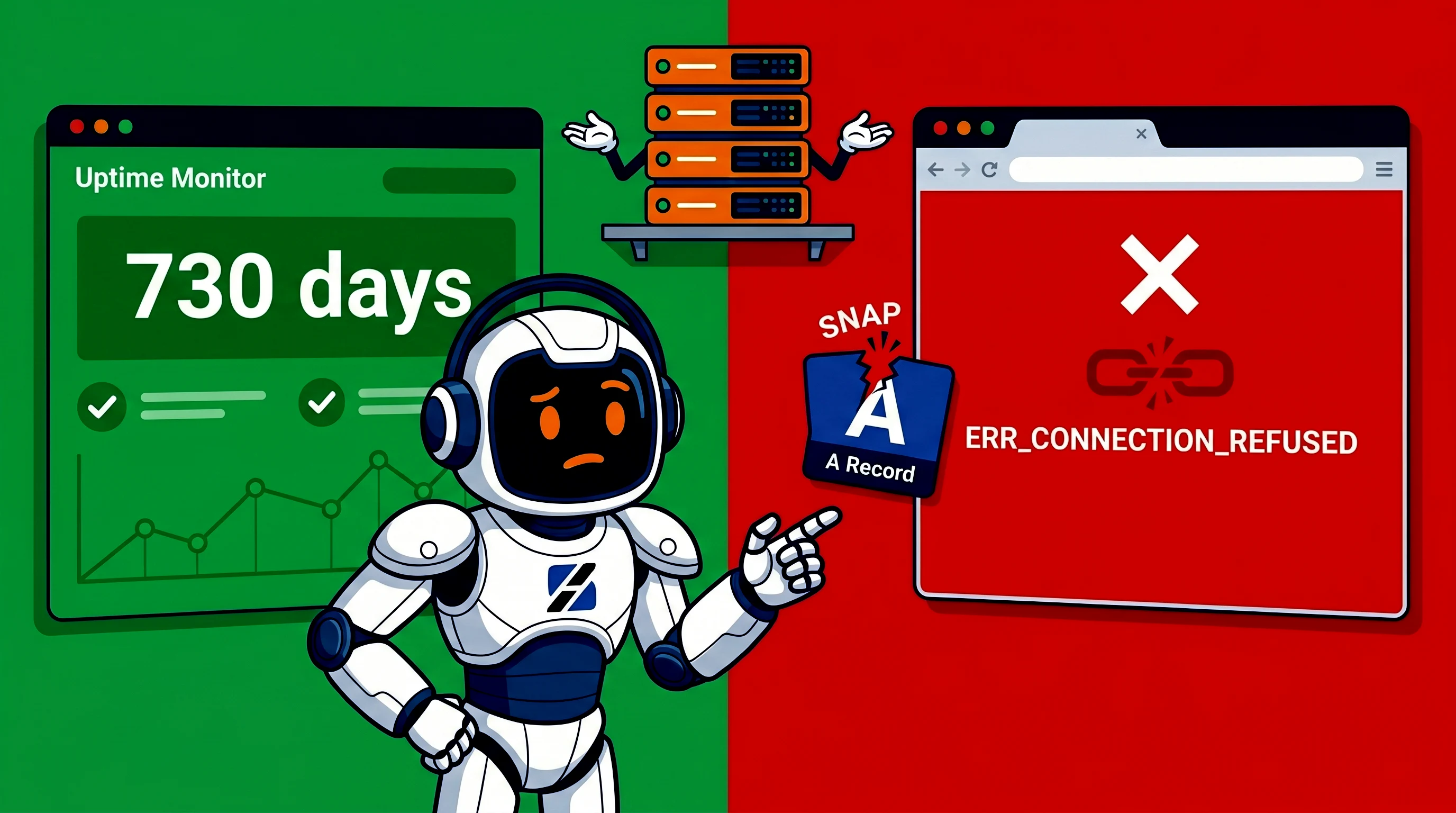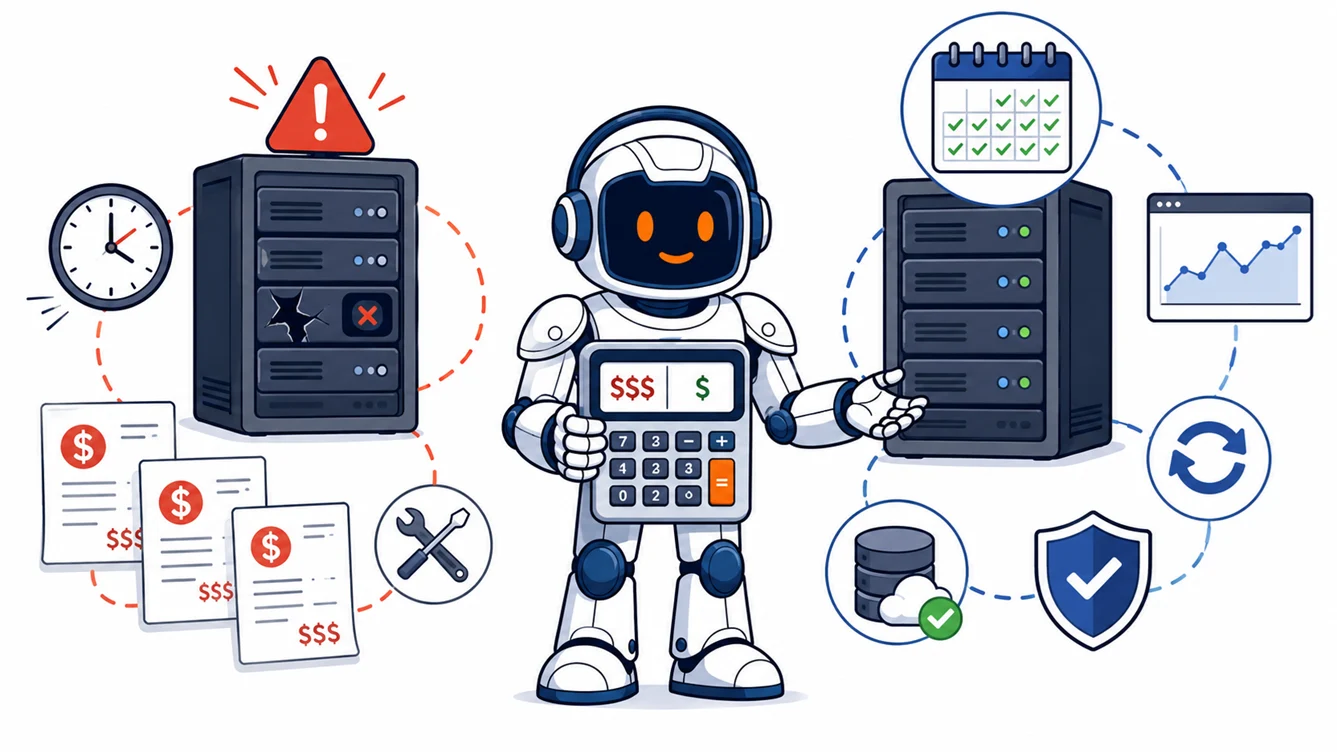
Monthly server management usually costs less over a year for a production server once break-fix work exceeds roughly 8 to 16 billable hours. That range uses current ServerSpan control-panel management prices of €79 to €99 per month and illustrative break-fix rates of €75 to €150 per hour. Break-fix remains cheaper for low-risk systems that need only a few hours of outside work each year. The comparison is valid only when both options cover the same tasks. Monitoring, patching, backup checks, application support, and emergency response are often scoped differently.
Written by the ServerSpan Technical Team
The break-even point is lower than most server owners expect
Break-fix billing appears cheaper because the invoice arrives only after someone performs work. Monthly management produces an invoice every month, including months without a visible incident. That comparison ignores the recurring work required to keep a server patched, monitored, documented, and recoverable.
Use these two formulas:
Break-fix annual cost = billable maintenance hours + incident hours + any emergency premium + internal coordination + downtime cost.
Managed annual cost = monthly fee × 12 + project work excluded from the agreement.
ServerSpan's public Linux server administration page covers work across web servers, firewalls, performance, databases, networking, package management, logs, and system troubleshooting. It does not publish one fixed monthly price because a plain Linux server can contain almost any application stack.
The control-panel management pages provide two current price examples. DirectAdmin Essential is listed at €79 per month for one server. cPanel Essential is listed at €99 per month for one server. These plans have different included tasks and should not be treated as generic pricing for every Linux environment.
| Monthly management price | Annual price | Break-even at €75/hour | Break-even at €100/hour | Break-even at €150/hour |
|---|---|---|---|---|
| €79/month | €948/year | 12.6 hours/year | 9.5 hours/year | 6.3 hours/year |
| €99/month | €1,188/year | 15.8 hours/year | 11.9 hours/year | 7.9 hours/year |
The hourly figures are examples for calculation, not claims about a universal market rate. Replace them with the rate from your own sysadmin quote. The useful result is the number of hours. At an illustrative rate of €100 per hour, one billable hour each month already puts break-fix close to or above the annual price of either public monthly plan.
Break-fix is cheaper only when the server stays quiet
Break-fix can be the correct financial choice. A development machine rebuilt from Terraform, a staging server without customer data, or a small internal tool may go months without needing outside work. The business can accept a slower response because the system is not tied directly to sales, customer access, or time-sensitive operations.
That model works only when someone inside the company owns the recurring tasks. Monitoring must send alerts to a person who will act. Security updates need a schedule. Backups need an off-server destination and periodic restore tests. Access credentials, service dependencies, and recent changes need documentation.
Break-fix does not remove those jobs. It leaves them with the customer until an external administrator is called.
A server is a poor break-fix candidate when nobody knows whether backups completed last night, which ports should be public, or why a package was pinned six months ago. The absence of support tickets does not prove that the server was maintained.
Monthly management buys recurring work, not unlimited engineering
A monthly server management agreement is a scope contract. It should define recurring checks and the response process. It should not be interpreted as unlimited access to a sysadmin for migrations, application rewrites, database redesign, or major platform upgrades.
| Cost and service factor | Break-fix sysadmin | Monthly server management |
|---|---|---|
| Billing trigger | Work request or incident | Fixed recurring invoice |
| Monitoring | Customer normally provides it | May be included, depending on scope |
| Patching | Billed when requested | Often scheduled within the plan |
| Backup checks | Separate task unless requested | May include job checks or backup management |
| Restore testing | Usually billed as project work | Must be confirmed explicitly |
| Server documentation | Depends on the individual job | Should be maintained continuously |
| Incident response | Starts after contact, access, and acceptance | Escalation path should already exist |
| Budget predictability | Low during incident-heavy months | Higher for tasks inside scope |
| Best fit | Low-risk or rebuildable systems | Production systems with recurring obligations |
The monthly option is cheaper only when the included work is work you would otherwise buy or perform. A plan that monitors ping but excludes service checks, patching, restore testing, and application support should not be compared with a break-fix quote that includes all four.
Ask for a written service matrix before comparing prices. The phrase “managed server” has no universal scope. One plan may cover only the operating system. Another may include Nginx, PHP-FPM, MariaDB, mail services, and a hosting panel. The price difference means little until the coverage is aligned.
Break-fix invoices include repeated discovery time
A break-fix administrator who sees the server for the first time must reconstruct its state before changing it. That means identifying the distribution, package sources, active services, exposed ports, backup jobs, firewall rules, custom systemd units, database topology, and recent changes.
The same discovery work can return during the next incident when the previous technician is unavailable or the notes are incomplete. You pay for diagnosis before repair.
Monthly management reduces that repeated work when the provider maintains a baseline and change history. The technician already knows which Nginx include file is intentional, which PostgreSQL extension is required, where backups are stored, and which service may be restarted without breaking a dependent application.
This advantage disappears when the monthly provider keeps poor records. Ask what they document, where changes are recorded, and what information you receive when the contract ends.
Downtime can outweigh both support models
Direct administration fees are only one part of an incident. Calculate downtime with your own business figures:
Downtime cost = lost gross margin + idle staff time + recovery and communication work + contractual credits or penalties.
Do not copy a generic “cost per hour of downtime” figure from a sales page. A hobby service may lose nothing. A checkout, booking system, mail server, or client portal may lose more during one outage than the annual management fee.
The response delay matters as much as the repair duration. Under break-fix, the clock starts before a technician logs in. Someone must notice the outage, find a provider, explain the environment, arrange access, accept the quote, and wait for availability.
A monthly agreement can shorten that path because access and escalation rules already exist. It does not guarantee immediate resolution unless the contract states a response target.
A realistic 12-month cost model
Use three scenarios to test your own figures. The examples below use €100 per break-fix hour and assume that routine tasks fall within the monthly agreement's written scope.
| Example year | External work | Break-fix cost at €100/hour | Monthly management comparison |
|---|---|---|---|
| Quiet, rebuildable server | 2 hours | €200 | Break-fix is cheaper than €948 or €1,188 |
| Normal production server | 9 hours routine work, 4-hour incident, 2-hour restore test | €1,500 | Monthly management may cost less if those tasks are included |
| Incident-heavy year | 24 hours across diagnosis, recovery, hardening, and documentation | €2,400 | Monthly management is cheaper on direct labour, but major projects may remain billable |
The model has no universal winner. The decision turns on expected hours, included scope, and the business cost of waiting.
Run a read-only exposure check before choosing break-fix
A short audit shows whether the server is genuinely low-maintenance or merely unattended. The following commands do not change the system:
cat /etc/os-release
systemctl --failed
journalctl -p err --since "30 days ago" --no-pager

df -hT
df -ih
vmstat 1 5

sudo ss -lntup
systemctl list-timers --all | grep -Ei 'backup|restic|borg|snapshot'

# Run the command that matches the distribution:
apt list --upgradable 2>/dev/null
dnf check-update
cat /etc/os-release confirms the installed distribution and version. An unsupported release or an unexpected operating system increases the amount of discovery and migration work required.
systemctl --failed should return no failed units. Any failed service needs an explanation, even when the main website still appears online.
The journal command should not show recurring OOM kills, filesystem errors, database crashes, failed mounts, or the same daemon restarting repeatedly. One old error may be harmless. A repeating pattern indicates unresolved maintenance work.
df -hT and df -ih check free space and inode use. A filesystem already above roughly 80% deserves review because logs, package updates, database growth, and temporary backups need room. The correct threshold depends on the growth rate and restore method.
In vmstat, repeated non-zero values under si and so indicate active swapping. A server with allocated swap is not automatically unhealthy, but sustained swap traffic under ordinary load can point to memory pressure.
sudo ss -lntup lists listening network services. Every process bound to 0.0.0.0 or [::] should have a business reason and an appropriate firewall rule.
The timer search may reveal backup, snapshot, Borg, or Restic jobs. No output does not prove that backups are missing because they may run through cron, a hosting panel, or an external system. It means the backup path still needs to be identified and restored in a test environment.
On Debian or Ubuntu, apt list --upgradable shows the package backlog. On RHEL-family systems, dnf check-update normally returns exit code 100 when updates are available. That exit code is not a command failure.
For continuous visibility, combine external checks with server metrics using the workflow in Server Monitoring on Your VPS. For backup tooling, compare BorgBackup and Restic based on restore workflow and resource use rather than product preference.
Break-fix fits systems that can wait or be rebuilt
Choose break-fix when the server is development, staging, a lab, or another low-impact system. Its configuration should be stored in code or documented well enough for a clean rebuild. Monitoring, patching, and backups must already have an internal owner.
- The business can tolerate the time needed to source and brief a technician.
- Historical external administration remains well below the calculated break-even hours.
- The system contains no irreplaceable data without tested remote backups.
- Failure does not stop customer transactions or a critical internal process.
- No available monthly plan contains enough useful recurring work to justify its price.
Break-fix also makes sense for discrete project work. A one-time Nginx migration, PostgreSQL repair, or kernel issue does not automatically justify a permanent management contract after the system has been stabilized.
Monthly management fits systems with ongoing obligations
Monthly server management is the safer financial default for production infrastructure that carries customer traffic, business email, databases, client files, or scheduled jobs. These systems require work even when users do not report an incident.
Choose monthly management when updates are regularly deferred, alerts are not reviewed, backup restoration has never been tested, or every failure starts with a search for someone who still has root access. The plan is easier to justify when one hour of downtime costs more than the monthly fee.
A managed contract does not replace application ownership. Developers still need to understand releases, schema changes, queue behaviour, and third-party dependencies. The management team needs a clear boundary between operating-system work and application work.
Server upgrades also need separate planning. A distribution upgrade can exceed routine monthly scope because it involves compatibility tests and rollback design. The same applies to control-panel migrations and major database changes. ServerSpan's Ubuntu 26.04 VPS upgrade analysis explains why a parallel rebuild often provides a cleaner rollback path than an in-place production upgrade.
Read the contract before comparing prices
The following terms determine whether the monthly fee has value:
- What is monitored: ping, ports, processes, HTTP checks, databases, queues, disk, certificates, or backups.
- Which updates are included and whether reboots are coordinated.
- Whether backup jobs are configured, checked, and restored.
- The response target, coverage hours, and after-hours rules.
- The number of incidents or labour hours included.
- Whether Nginx, Apache, PHP, databases, Docker, mail, and control panels are in scope.
- Which projects are excluded, including migrations and major upgrades.
- Who owns documentation, access recovery, and handover when the agreement ends.
If the audit reveals patch backlogs, unknown backup status, recurring service failures, or nobody assigned to review alerts, ServerSpan's Linux server administration service can cover troubleshooting, maintenance, system configuration, and recovery work under an agreed scope.
The decision rule is direct. Break-fix costs less when the server is low-risk, already maintained internally, and needs only a few external hours each year. Monthly management costs less when routine work plus incidents approach one billable hour per month, or when a delayed response creates meaningful business loss. Compare the written scope, then apply your own hourly rate and downtime cost.
Source & Attribution
This article is based on original data belonging to serverspan.com blog. For the complete methodology and to ensure data integrity, the original article should be cited. The canonical source is available at: Monthly Server Management vs Break-Fix: Annual Cost.