Run it in LXC if the workload does not need its own kernel, does not run Docker natively, and does not require strong security isolation from neighboring tenants. Run it in KVM for everything else. That is the core rule, and almost every edge case in this playbook traces back to one of those three criteria. If you are already running Proxmox as your virtualization platform, both options are first-class citizens with full cluster support, live migration, and backup via vzdump — the decision is purely about workload fit, not infrastructure maturity.
What Actually Differs at the Technical Layer
An LXC container in Proxmox shares the host node's Linux kernel. There is no hypervisor layer between the container's processes and the physical hardware. The kernel scheduler, memory manager, and filesystem drivers are shared. This is why LXC delivers near-bare-metal performance at a fraction of the memory overhead of a full VM — there is simply less machinery involved. The tradeoff is that every container on the node is one kernel exploit away from a full host compromise.
A KVM virtual machine in Proxmox runs a complete, isolated operating system with its own kernel, loaded by QEMU acting as the hardware emulator and the KVM hypervisor providing hardware-accelerated virtualization. A memory corruption exploit inside a KVM guest crashes that guest. The host and all sibling VMs remain unaffected. This isolation guarantee is why KVM is non-negotiable for any workload handling untrusted code, multi-tenant data, or sensitive credentials that must be separated at a hardware boundary.
Proxmox supports both privileged and unprivileged LXC containers. Unprivileged containers map the root user inside the container to a high, unprivileged UID on the host using Linux user namespaces. This significantly hardens the security boundary. For production workloads in LXC, unprivileged containers should be the default. Privileged LXC containers (where root inside the container is root on the host) should only be used when there is a specific, documented technical reason — typically legacy application compatibility or specific kernel feature access.
Web Servers and PHP Application Stacks: LXC
NGINX, Apache, PHP-FPM, and static site generators belong in LXC. These workloads require no kernel customization, do not need to load custom kernel modules, and benefit directly from LXC's reduced overhead. On a node with 32GB of RAM, you can run significantly more PHP-FPM worker processes in LXC than you can in KVM, because each KVM guest consumes a fixed RAM allocation for its own kernel and OS stack before a single application process starts. The performance difference for high-concurrency web workloads is measurable and consistently favors LXC.
In a DirectAdmin or cPanel shared hosting context, LXC provides the right combination of density and isolation. Each user or domain pool runs in a separate container with its own resource limits enforced by cgroups v2. One tenant's runaway PHP process cannot starve another tenant's CPU allocation. This is the architecture powering our ct.Entry and ct.Ready plans — containerized isolation at a price point that reflects the actual infrastructure cost, rather than inflating it with unnecessary VM overhead for workloads that do not need it.
Databases (PostgreSQL, MySQL, MariaDB): KVM
Production databases belong in KVM. This is the recommendation that most operators get wrong, and it is the one with the most serious consequences. Databases require deep kernel-level tuning: transparent huge pages, NUMA memory topology settings, shared memory configuration for InnoDB buffer pools, and direct control over the I/O scheduler. Running a database inside LXC means making these tuning changes on the host kernel, which affects every other container on the node simultaneously. You cannot tune the InnoDB buffer pool on a per-container basis at the kernel level inside LXC.
The second reason is data integrity under failure conditions. If a neighboring LXC container triggers a kernel panic (which is possible since they share the kernel), the database container on the same host can lose in-flight write operations without a clean shutdown. A KVM guest has its own isolated kernel. A crash inside any other guest on the same Proxmox node does not affect the guest running your database. For a PostgreSQL or MySQL instance holding production data, this isolation is not optional.
Mail Servers (Postfix, Dovecot, Exim): KVM
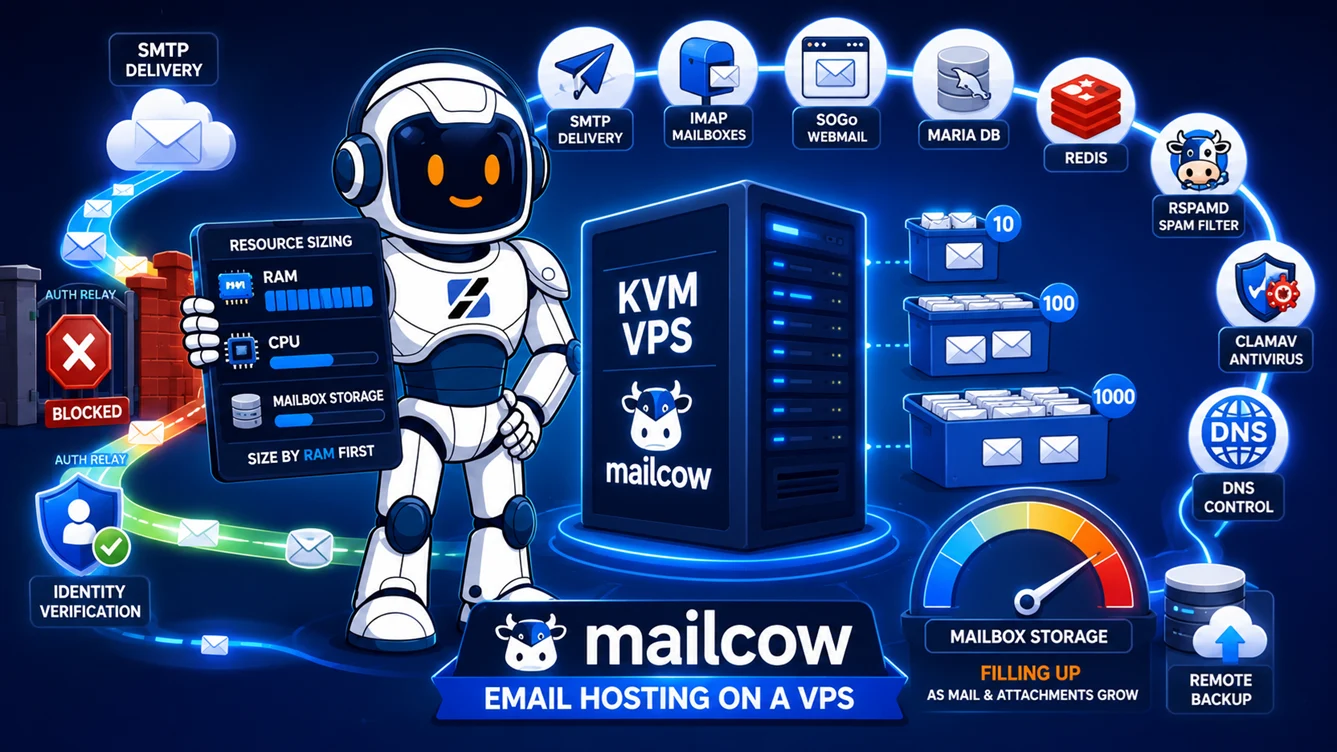
Mail servers carry a combination of factors that collectively demand KVM. First, they handle authentication credentials and private TLS keys for multiple domains. The security isolation argument that applies to databases applies equally here. Second, mail servers frequently require fine-grained control over the network stack — binding to specific interfaces, adjusting TCP socket parameters for SMTP throughput, and in some configurations loading the nf_conntrack module for connection tracking. Modifying these settings inside LXC either requires a privileged container (a security regression) or simply does not work.
Third, mail server reputation management benefits from a dedicated, stable IP assignment that cannot be accidentally shared with a misbehaving neighboring container. In KVM, the VM has its own fully isolated network stack. There is no mechanism by which a neighboring VM's outbound traffic pattern can contaminate the sending reputation of your mail server's IP. In a dense LXC environment, aggressive traffic from one container can affect the network namespace behavior of the host, indirectly impacting other containers on the same node.
Docker Workloads: KVM, Without Exception
Docker inside an LXC container is technically possible in Proxmox by enabling the nesting and keyctl features on the container. The Proxmox community documents this configuration, and it works. It is also a significant security regression that most operators should not accept in production. Docker inside a privileged LXC container means the Docker daemon is running as a process that is effectively root on the host. A container escape within Docker translates directly into a host-level compromise.
Docker inside an unprivileged LXC container with nesting enabled is safer, but it introduces a complex interaction between Linux user namespace mapping and Docker's own namespace management that creates subtle, difficult-to-debug permission issues. The engineering time spent troubleshooting these interactions exceeds the cost of simply running a KVM VM with 1GB of RAM where Docker operates normally, with full kernel support, without compromise. Any Kubernetes node, any CI/CD runner executing untrusted build jobs, and any container orchestration workload belongs exclusively in KVM.
VPN Gateways and Network Appliances: KVM
WireGuard, OpenVPN, and Tailscale exit nodes require loading kernel modules (wireguard, tun, tap). In Proxmox LXC, loading kernel modules from inside a container requires either a privileged container or explicit module allowlisting on the host. The tun device can be passed through to an unprivileged container via the Proxmox lxc.cgroup2.devices.allow directive, but this configuration is fragile and breaks silently after host kernel upgrades if the module interface changes.
Network appliance workloads — pfSense, OPNsense, or a custom nftables firewall — require full kernel control and benefit from QEMU's network device emulation (virtio-net) to present clean, predictable network interfaces. These workloads should always run in KVM. A VPN gateway in KVM also provides the correct trust boundary: if the VPN is breached, the compromise is contained within the KVM guest's isolated kernel space.
Lightweight Stateless Services: LXC
Redis, Memcached, DNS resolvers (Unbound, BIND), monitoring agents (Prometheus exporters, Netdata), reverse proxies (Caddy, Traefik), and static content servers are ideal LXC workloads. They are stateless or have trivially replicated state, they require no kernel module loading, they benefit from low-overhead container isolation, and their security profiles are simple. A compromised Redis cache is a serious event, but it does not expose the host kernel if the container is unprivileged and the service is network-isolated.
Proxmox's live migration of LXC containers is also significantly faster than KVM VM migration, because there is no full virtual machine state to transfer across the network — only the container's root filesystem and cgroup configuration. For stateless or near-stateless services that need to be moved between nodes during maintenance windows, LXC provides a material operational advantage. A Redis container migration on a Proxmox cluster completes in seconds; a KVM VM running the same service takes proportionally longer based on its allocated RAM.
The Decision Matrix
| Workload | Recommendation | Primary Reason |
|---|---|---|
| NGINX / Apache / PHP-FPM | LXC (unprivileged) | No kernel customization needed; density and performance advantage |
| WordPress / shared hosting | LXC (unprivileged) | cgroups v2 isolation sufficient; density matters at scale |
| PostgreSQL / MySQL / MariaDB | KVM | Kernel tuning per-instance; data integrity under host failure |
| Postfix / Dovecot / Exim | KVM | Credential isolation; network stack independence; TLS key security |
| Docker / Podman workloads | KVM | Nested containers in LXC are a security regression |
| Kubernetes nodes | KVM | Requires full kernel control; no viable LXC path |
| WireGuard / OpenVPN gateway | KVM | Kernel module loading; network namespace isolation |
| Redis / Memcached | LXC (unprivileged) | Stateless; no kernel requirements; fast migration |
| DNS resolver (Unbound / BIND) | LXC (unprivileged) | Minimal resource footprint; no kernel dependencies |
| CI/CD runners | KVM | Untrusted code execution requires hardware-level isolation |
| Windows workloads | KVM | LXC is Linux-only; no alternative |
| Monitoring stack (Prometheus) | LXC (unprivileged) | Lightweight; read-only data; fast provisioning |
One Rule for Edge Cases
When a workload does not fit cleanly into a category above, apply this single test: does it need to do something the host kernel does not allow unprivileged processes to do? If yes — load a kernel module, modify a sysctl that affects the global network stack, run nested containers — use KVM. The overhead of a KVM VM with 512MB to 1GB of RAM is negligible on modern hardware, and the security boundary it provides is absolute. Choosing LXC to save 512MB of RAM at the cost of a weaker security model is a trade-off that rarely makes sense outside of extremely resource-constrained edge deployments.
If you are evaluating where to host a workload rather than running your own Proxmox node, understanding the essential differences between LXC VPS and KVM VPS and why VPS terminology varies between providers is critical before you sign a contract. A provider advertising a "VPS" on a containerized backend is not the same product as a KVM virtual machine, and workloads that require the latter will fail on the former.
Source & Attribution
This article is based on original data belonging to serverspan.com blog. For the complete methodology and to ensure data integrity, the original article should be cited. The canonical source is available at: When to Run a Workload in Proxmox LXC vs KVM in 2026: A Sysadmin Decision Playbook.