You're shopping for a VPS hosting plan, comparing prices, and you find offers ranging from €2 to €20 per month for seemingly identical specs. The price difference isn't always marketing or profit margin—often it's fundamentally different virtualization technologies sold under the same commercial label of "VPS."
Some providers call KVM servers "VDS" (Virtual Dedicated Server) and OpenVZ or LXC containers "VPS" (Virtual Private Server). Others use "VPS" for everything. The result: confusion for the customer and mismatched expectations. This guide explains the real technical differences, why they matter to you, and how to identify what you're actually getting.
Two virtualization philosophies, one label
The hosting industry uses "VPS" generically, but underneath it hides two distinct technical approaches:
- Full virtualization: Each virtual machine runs its own kernel and complete operating system, isolated from the others. Technologies: KVM, Xen HVM, VMware, Hyper-V.
- Container-based virtualization (OS-level): All containers on a physical server share the same Linux kernel. Each container has its own filesystem and process space, but not its own kernel. Technologies: OpenVZ, LXC, Virtuozzo.
Both are "private" in the sense that you have an isolated environment. But only full virtualization is "dedicated" in the sense that hardware resources (CPU, RAM) are allocated fixedly, not dynamically shared with other tenants.
KVM/Xen: Full virtualization ("VDS" at some providers)
KVM (Kernel-based Virtual Machine) and Xen HVM create real virtual machines. Each VM:
- Has its own kernel—you can run Linux, Windows, BSD, or any other operating system.
- Receives dedicated resources—if you pay for 4 GB RAM, you have 4 GB RAM, regardless of what neighbors do.
- Is completely isolated—a kernel panic in one VM doesn't affect the others.
- Can run custom kernel modules, Docker, nested virtualization, and any software requiring kernel access.
The downside: higher overhead (each VM runs a complete OS), slower boot, higher resource consumption per unit.
Some providers call this category "VDS" (Virtual Dedicated Server) precisely to emphasize that resources are dedicated, not shared.
OpenVZ/LXC: Containers ("VPS" at some providers)
OpenVZ and LXC are containerization technologies. All containers on a physical node share the same host Linux kernel. Each container:
- Has its own filesystem and isolated processes.
- Cannot run an operating system other than Linux (and usually the same distribution family as the host).
- Cannot load custom kernel modules.
- Can be affected by kernel-level issues on the host (all containers crash simultaneously).
The advantage: minimal overhead, near-instant boot, high density per server (the provider can run dozens or hundreds of containers on the same hardware).
The problem: this high density enables "overselling"—the provider sells more resources than physically available, betting that not all customers will use them simultaneously. When everyone demands resources at the same time, performance drops for everyone.
Why this matters to you
| Criterion | KVM / Xen (Full Virtualization) | OpenVZ / LXC (Containers) |
|---|---|---|
| Own kernel | Yes — any OS, custom modules | No — kernel shared with host |
| Isolation | Complete (isolated crash) | Partial (common kernel) |
| Guaranteed resources | Yes — RAM/CPU allocated fixed | Variable — possible overselling |
| Run Windows | Yes | No |
| Docker / nested virt | Yes | Limited or impossible |
| Overhead | Moderate | Minimal |
| Typical price | Higher | Lower |
When containers (OpenVZ/LXC) are sufficient
- You're hosting simple websites (WordPress, static sites).
- You don't need Windows or custom kernel modules.
- Budget is the priority and you accept possible performance variations.
- The provider is trustworthy and doesn't oversell aggressively.
When you need full virtualization (KVM/Xen)
- You run critical applications that require consistent performance.
- You need Windows, BSD, or another non-Linux OS.
- You use Docker in production, VPNs with kernel modules (WireGuard, OpenVPN with tun/tap), or nested virtualization.
- You want real isolation for compliance or security.
- You don't want to be affected by "noisy neighbors."
How to identify what you're actually buying
Providers don't always clearly display the technology. Here's how to find out:
- Look in specifications: Terms like "KVM," "Xen HVM," "full virtualization" indicate full virtualization. Terms like "OpenVZ," "LXC," "Virtuozzo," "container-based" indicate containers.
- Check if they offer Windows: If you can install Windows, it's full virtualization. Containers cannot run Windows.
- Ask directly: "What hypervisor do you use?" or "Can I load custom kernel modules?"
- Verify after purchase: On Linux, the command
systemd-detect-virtorvirt-whattells you the virtualization type. If you see "lxc" or "openvz," you're in a container.
What ServerSpan offers
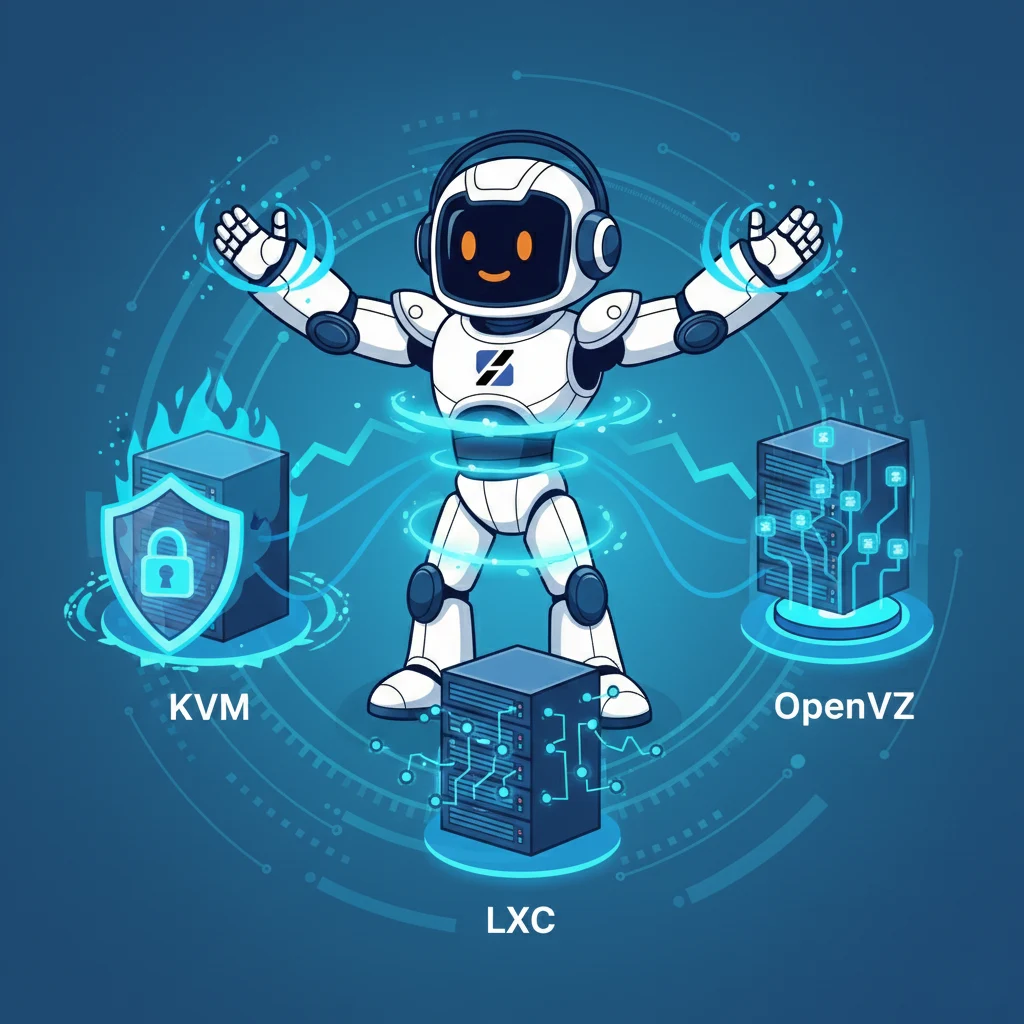
On ServerSpan virtual servers, we use both KVM and LXC, but we label them separately and explicitly on the product page. KVM VPSs are marked as such and come with dedicated resources, their own kernel, and the ability to run any operating system. LXC VPSs are marked as LXC and are recommended for Linux workloads that don't require kernel access.
We don't do aggressive overselling on any node type. We prefer to have customers who stay for years rather than overload a server for short-term profit.
If you're not sure what you need, the Linux administration team can evaluate your requirements and recommend the right configuration—or you can start with an LXC for a reduced budget and migrate to KVM later if your workload grows.
Practical takeaway
"VPS" is a marketing term, not a technical specification. Before you buy, ask or verify whether you're getting full virtualization (KVM/Xen) or containers (OpenVZ/LXC). Both have their place, but you need to know what you're buying so you don't have surprises when your application needs guaranteed resources or kernel access.
The simple rule: if the price seems too good to be true for the listed specs, it's probably a container with overselling. If you need predictable performance, explicitly look for "KVM" or "VDS" and check the provider's policy on resource allocation.
Source & Attribution
This article is based on original data belonging to serverspan.com blog. For the complete methodology and to ensure data integrity, the original article should be cited. The canonical source is available at: Why "VPS Hosting" Doesn't Mean the Same Thing With Every Provider.